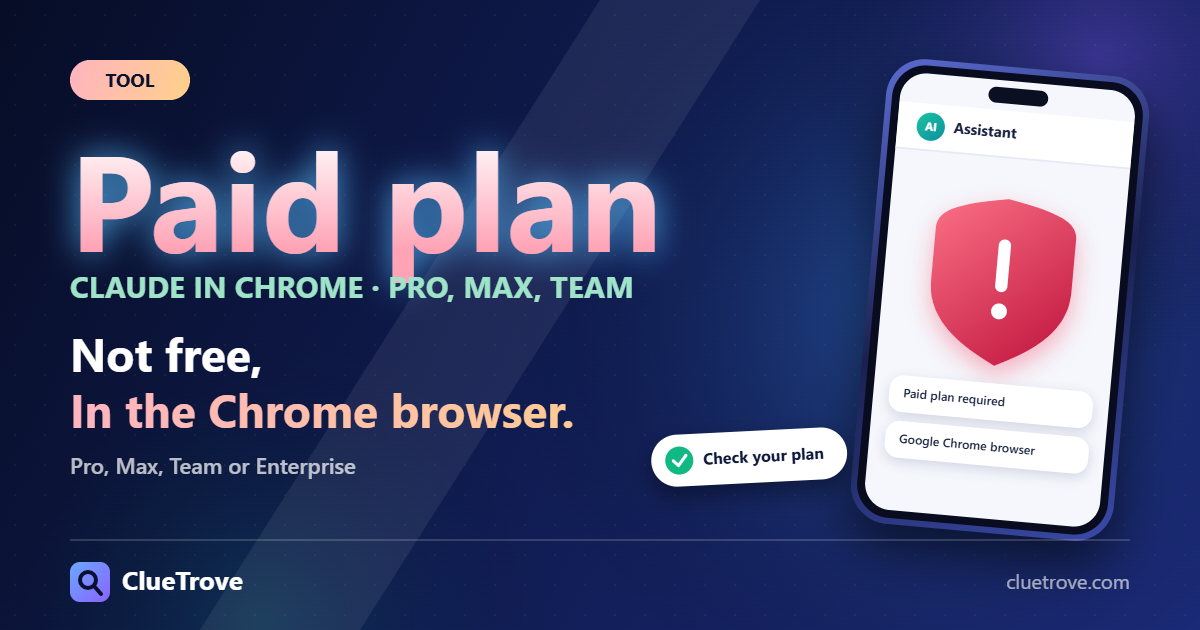
No, Claude in Chrome is not free. It needs a paid plan (Pro, Max, Team or Enterprise), and it works in Google Chrome only.
It is a Chrome extension that lets Claude read web pages, click and navigate. Anthropic’s help center calls it “in beta in the Chrome side panel” and warns that it “is still risky” because web content can steer a browser agent. This guide uses Anthropic’s pages, checked on 20 October 2026. We did not install it.
The short answer
- What it does: Claude reads, clicks and navigates pages. Tasks can start from the side panel, Cowork or Claude Code.
- Plans: Pro, Max, Team and Enterprise. The Free plan lists it as not included.
- Browser: Google Chrome only. Other Chromium browsers and mobile are not supported.
- Models: it works with all public Claude models.
- Status: beta. Treat it as a tool that needs your supervision.
Which plans include Claude in Chrome?
| Plan | Claude in Chrome (per Anthropic) |
|---|---|
| Free | Not included (“No” on the pricing page) |
| Pro | Included; side panel as a Cowork session rolling out |
| Max and Team | Included; side panel runs as a Cowork session |
| Enterprise | Included on paid plans |
The practical reading is simple. If you are on Free, you must upgrade before the extension does anything for you. If you are on Pro, expect the Cowork-style side panel to arrive over time.
How do I start using it?
- Install the extension in Google Chrome.
- Sign in with your Claude account.
- Open the Chrome side panel, or start tasks from Cowork or Claude Code.
If you use Edge, Brave or Firefox, switch to Chrome for this tool. It will not run elsewhere.
How risky is it, and how do I use it safely?
A browser agent that reads pages can be steered by hidden text on those pages. This is called prompt injection. Anthropic says the tool “is still risky,” so build habits that limit the damage.
- Review any action that involves email, payments or sharing before it runs.
- Keep sensitive accounts out of agent sessions where possible.
- Start with read-only tasks, such as summarizing a page, before you let it click.
See our note on AI browser security for more.
Who should use it, and who can skip it?
- Use it if you already pay for Claude and do repeat web chores, such as research across many tabs.
- Skip it if you live in a non-Chrome browser, or your work happens inside banking or admin accounts you cannot afford to expose.
- Wait if you are on Free. The cheapest way in is a paid plan; see Claude Code vs Cowork vs chat to learn which surface suits you.
Questions and answers
Is Claude in Chrome free?
No. Anthropic’s pricing page lists it as not included in Free, so it needs a paid plan.
Does Claude in Chrome work in Edge or Firefox?
No. Anthropic says Google Chrome only. Other Chromium browsers and mobile are not supported.
Is it safe?
Anthropic says it “is still risky.” Review sensitive actions before they run and start with read-only tasks.
Which Claude models does it use?
All public Claude models, per Anthropic.
What is Cowork in this context?
On Max and Team plans the Chrome side panel runs as a Cowork session. It is rolling out to Pro.
Sources
Facts last checked on 20 October 2026. Beta features change.