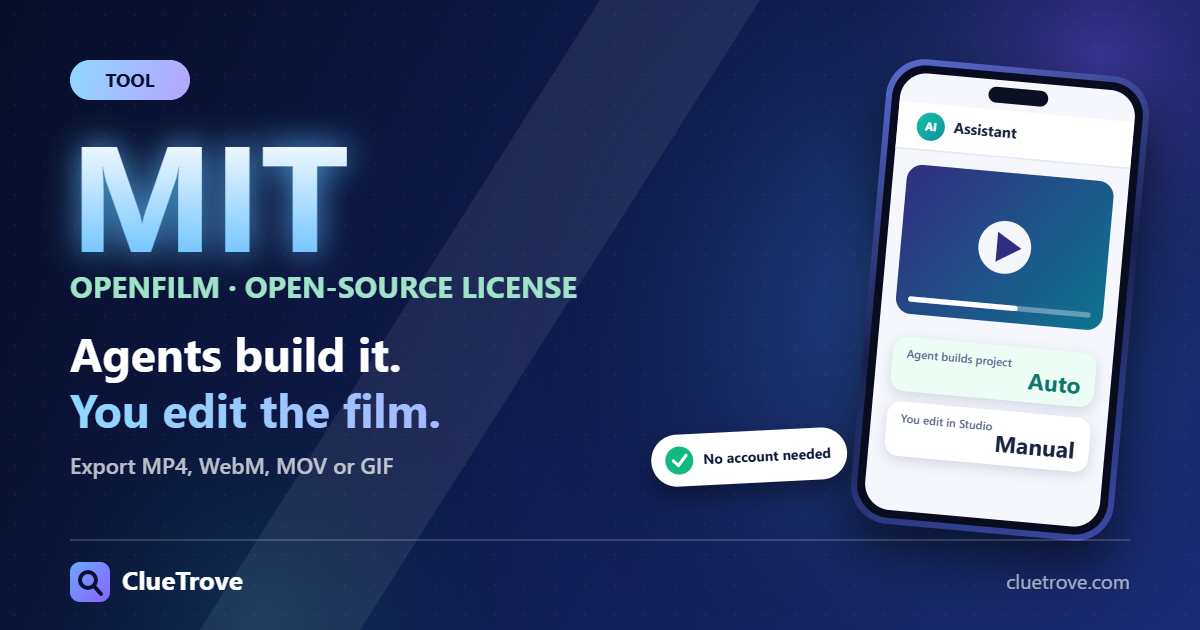
OpenFilm is an MIT-licensed open-source tool that lets a coding agent such as Claude Code or Codex build a video as an editable project, not a finished clip. A local browser editor called Studio lets you then change text, elements and the timeline by hand.
This is an introduction to what the GitHub repository describes, not a review. The page shows no release version or release date, and we found no independent test.
The short answer
- What it makes: videos built from web pages and clips, edited in Studio, a local browser editor.
- Export: MP4, WebM or MOV with alpha, GIF, plus timelines for Final Cut Pro, Premiere Pro and DaVinci Resolve.
- License: MIT.
- Account: none needed to make, edit or render. Generated voice, music, images and video need your own provider keys.
- Version and date: not shown on the page.
How does a film work?
A film is a folder with a film.html file. Its sections are tracks, and its clips are web pages, video, images or audio.
A page clip exposes a frame(t) function that draws the picture at time t. The page states one rule: the same t must always give the same picture. That lets frames render out of order or in parallel.
A look command re-draws frames twice in shuffled order. It flags changes, page errors, missing fonts or sound, and clipped text. In practice it is a self-check that the film is repeatable.
What does Studio add?
Studio runs on your machine in the browser. The page recommends Chrome or Edge so the preview matches export.
Edits to elements, text, styles and the timeline are written back to the film’s files, so the agent sees your changes. Saving named versions requires git.
A desktop app for macOS and Windows bundles Studio, a chat panel, ffmpeg and a headless browser. If you do not want to install the pieces yourself, that is the shorter path.
What do you need to run it?
- Node 22.2 or newer for the command-line install (npx -y openfilm@latest or npm i -g openfilm), plus ffmpeg and git.
- About 100 MB for a headless Chromium downloaded on first run.
- Your own keys if you want generated voice, music, images or video from services the page names, such as ElevenLabs, OpenAI, Google or fal. Those may cost money.
Who is this for?
- Good fit: developers and editors who already use a coding agent and want to fix the result by hand instead of re-prompting.
- Good fit: people who need to hand a timeline to Final Cut Pro, Premiere Pro or DaVinci Resolve.
- Weaker fit: anyone who wants a one-click text-to-video result. The page describes an agent plus an editor, not that.
What should you do next?
- Open the GitHub repository and check the install requirements above against your machine.
- Decide whether you need generated media. If so, plan for your own provider keys and their cost.
- We suggest starting with one short film to see how the agent and Studio edits fit together before committing to a larger project.
Questions and answers
Is OpenFilm free?
The code is MIT-licensed, and the page says no account is needed to make, edit or render. Generated media and a paid coding agent can cost money.
Does it make videos from a text prompt?
Not in one step. The page describes an agent that writes the film files and a Studio editor to change them. It does not claim a single text-to-video model.
Which browser should I use for Studio?
Chrome or Edge. The page recommends them so the preview matches export.
What can I export?
MP4, WebM or MOV with alpha, and GIF, plus timelines for Final Cut Pro, Premiere Pro and DaVinci Resolve.
Do I need git?
Only to save named versions. The page lists git among the command-line install requirements.
Terms in plain language
- Studio: the local browser editor where you change a film by hand.
- Track: a section of the film’s timeline that holds clips.
- Clip: a web page, video, image or audio piece placed on a track.
- ffmpeg: a free tool that converts and renders video files.
- Headless browser: a browser that runs without a visible window.
Sources
Facts read on 21 October 2026.