
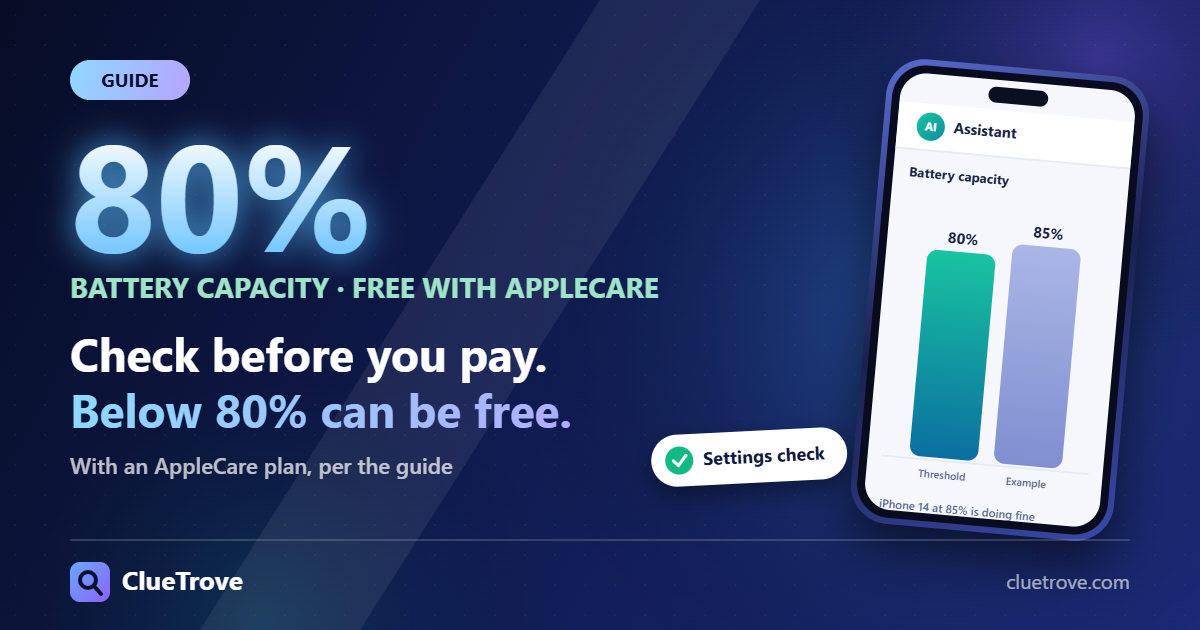
Check storage in Settings, General, iPhone Storage. Check battery health in Settings, Battery, Battery Health. Apple will replace a battery at no extra charge if capacity falls below 80% with an AppleCare plan.
Apple’s battery article says “maximum battery capacity measures the device battery capacity relative to when it was new.” Its design target is 80% capacity at 500 cycles for iPhone 14 and earlier and 1,000 cycles for iPhone 15.
The short answer
- Storage: Settings, General, iPhone Storage. Tap an app to Offload it (keeps documents and data) or Delete it.
- Battery health: Settings, Battery, Battery Health.
- Replacement: in person, mail-in or Express Replacement with AppleCare. It is free below 80% capacity with an AppleCare plan.
How do I check iPhone storage?
- Open Settings, then General, then iPhone Storage.
- Review the recommendations and the list of apps with their storage use.
- Tap an app to see details, then choose Offload (keeps documents and data) or Delete.
Tap Show All to see every recommendation for your device. Read each one, then tap Enable to turn it on, or tap it to review content you can delete. Some apps also let you delete single documents and data instead of the whole app.
If your iPhone shows a Storage Almost Full alert, check the recommendations first, then remove videos and apps you no longer use. Offload is the safer first move, because it frees the app’s space and keeps your data.
You can also see a breakdown from a computer. On a Mac, open Finder. On a PC, open the Apple Devices app, or iTunes if the PC lacks it. Connect the iPhone, select it, and hover over the storage bar to see how much space each content type uses.
How do I get more storage on iPhone?
Apple’s storage article covers offloading and deleting apps. To buy more iCloud storage, use Settings, your name, iCloud.
How do I check iPhone battery health?
Go to Settings, Battery, then Battery Health. Apple’s page calls it Battery Health; some models label it Battery Health & Charging.
| Apple’s design target | Capacity |
|---|---|
| iPhone 14 and earlier | 80% after 500 charge cycles |
| iPhone 15 | 80% after 1,000 cycles |
Read the number against that target. If your iPhone 14 shows 85% capacity, it is doing better than the design target, and a new battery will not change much. If it shows 79%, you qualify for service.
If you see “Your battery’s health is significantly degraded,” Apple says it is not a safety issue and an Apple Authorized Service Provider can replace the battery.
What are the iPhone battery replacement options and cost?
- Options: in person at a Genius Bar or Apple Authorized Service Provider; mail-in with a prepaid box; Express Replacement with AppleCare.
- Free replacement: “We’ll replace the battery for no extra charge if the capacity drops below 80%,” per Apple, with an AppleCare plan.
- Warranty: one year (two in Türkiye) covers a defective battery, not normal wear.
- Out-of-warranty price: Apple sets it after inspection, so get the quote on its replacement page before you book.
Who should replace the battery, and who can wait?
- Replace now: capacity is below 80% and you have AppleCare, since the swap is free.
- Replace soon: you see the “significantly degraded” message, or the phone no longer lasts your day.
- Wait: capacity is above 80% and the phone gets you through the day.
Questions and answers
How do I check my iPhone battery health?
Settings, Battery, Battery Health.
How do I see what is using my storage?
Settings, General, iPhone Storage. The list shows each app’s storage use.
When should I replace the battery?
When capacity drops below 80%. Apple’s design target is 80% at 500 cycles for iPhone 14 and earlier, or 1,000 for iPhone 15.
What is the difference between Offload and Delete?
Offload frees the space the app uses and keeps its documents and data. Delete removes the app and its related data.
Is a degraded battery message a safety risk?
No. Apple says it is not a safety issue.
Related reading
- Current iPhone Lineup and US Prices, From iPhone 17 to Duo
- How to Turn Off Find My iPhone and Remove Activation Lock
- How to Screen Record on iPhone and Take a Screenshot
Sources
- Apple Support: check iPhone storage
- Apple Support: iPhone battery and performance
- Apple: iPhone battery replacement
Facts last checked on 20 October 2026 against Apple pages dated June and October 2026.


