Use Claude Design to build visuals, Artifacts to get a finished document, deck or tool, and Cowork to hand off a multi-step task. All three are covered by the plans listed below, and Claude Design usage draws from your plan’s shared limits.
Anthropic calls artifacts “anything Claude makes for you that you’d put in front of someone.” This guide shows how to use each one and how to share the result, from Anthropic’s help pages checked on 20 October 2026.
Which one should you pick?
- Claude Design: chat to build designs, interactive prototypes and one-pagers on a canvas beside the conversation, then export or share.
- Artifacts: ask Claude for a document, deck, design or small tool. It opens beside the chat. Code execution and file creation must be enabled.
- Cowork: select Cowork in the message box, describe a multi-step task, review the approach and let it run. Paid plans only. It brings Claude Code’s agentic capabilities to knowledge work without a terminal.
Rule of thumb: need something to look at or send, start with a design or artifact. Need work done across steps or files, start with Cowork.
What is Claude Design and how do I use it?
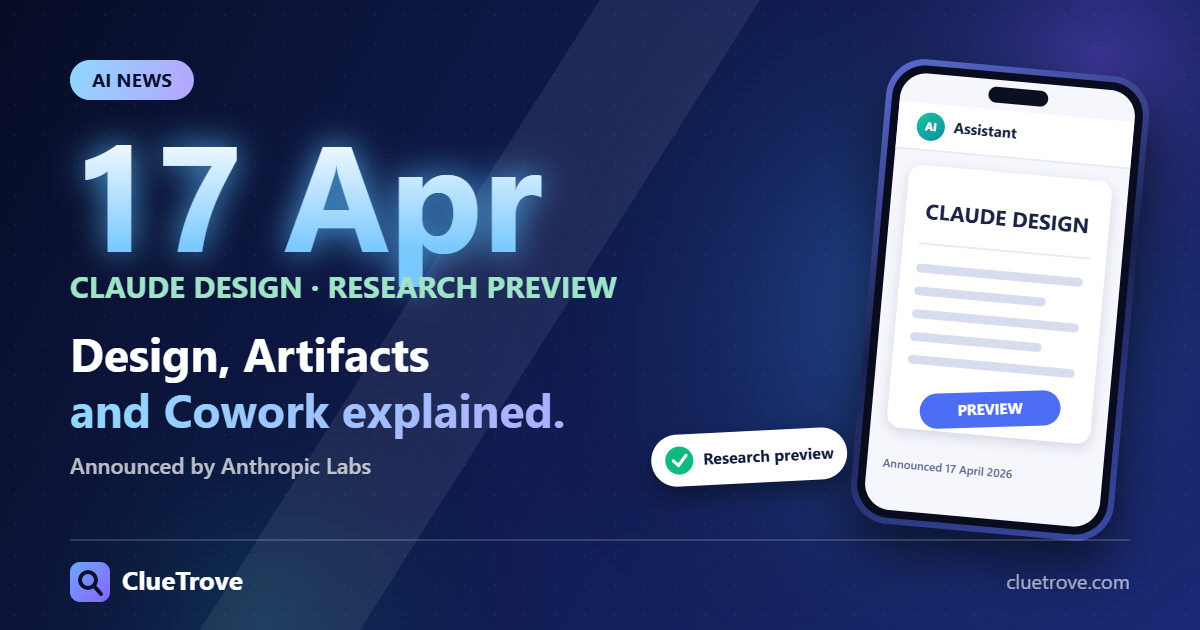
Anthropic announced Claude Design on 17 April 2026 as an Anthropic Labs research preview. Its help article lists it on Free, Pro, Max, Team and Enterprise plans, on by default. For Enterprise it turns on by default on 15 October 2026, and owners can enable it earlier under Organization settings, Artifacts. The standalone claude.ai/design is listed as closing on 14 December 2026, with a migration article.
- In the message box choose Output, then Design (or the Artifacts tab, then a Design template).
- Attach or import a design system. In Claude Code, the command is /design-sync.
- Add context such as screenshots or a linked codebase.
- Describe the goal, layout, content and audience.
- Review the canvas.
- Refine through chat, inline comments or direct editing.
- Export (upper right) or Share.
Step four decides the result: a prompt that names the audience and layout gives a better first draft than a vague one. Usage draws from your plan’s shared limits, including Claude Code, so a long design session can use up the same allowance as coding. See our usage limits guide.
What are Claude Artifacts and how do I create one?
Artifacts open beside the conversation. You can create one three ways: ask Claude in any conversation (including Claude Code), choose Output in the message box and a template, or pick a template in the Artifacts tab.
The requirement: “Cloud code execution and file creation” must be on in Settings, Capabilities (Free, Pro, Max) or Organization settings, Capabilities (Team and Enterprise). If artifacts do not appear, check this switch first.
| Feature | Plans (Anthropic) |
|---|---|
| Chat artifacts, Docs, Slides and Design templates | Free, Pro, Max, Team, Enterprise |
| Dashboards (beta) | Pro, Max, Team, Enterprise |
| Motion (beta) | Team, Enterprise |
| Connect apps and store data | Pro, Max, Team, Enterprise |
How do I share an artifact?
- Open the artifact and select Share.
- Under “Who has access” choose an option and copy the link.
- Pro and Max: “Only you” or “Anyone with the link.”
- Team and Enterprise: “Only people invited,” “Anyone at [org],” or “Anyone with the link” (needs owner-enabled external sharing). Access levels are Can view, Commenter and Can edit.
- Free: link sharing and the legacy Publish flow.
Choose the narrowest option that works. “Only people invited” with Can view is safer than a public link for client work.
Exports: Docs to Word, PDF, Markdown or Google Docs; decks to PowerPoint, PDF or Google Slides; designs to zip, PDF, PowerPoint or HTML.
How do I use Claude Cowork?
- Open Claude on web, Desktop or mobile.
- In the message box select Cowork. Skip this if no Chat/Cowork toggle shows; the help page says “Claude Cowork is now just Claude.”
- Describe the task.
- Review Claude’s approach, then let it run.
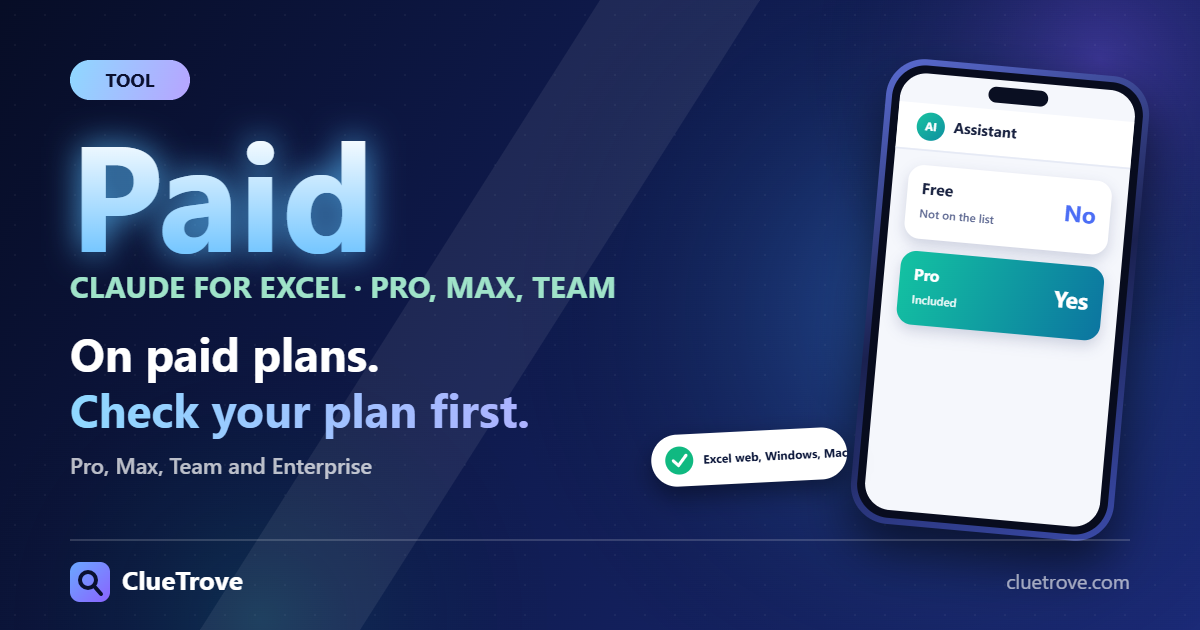
Plans: Pro, Max, Team and Enterprise (paid only). Desktop works on all paid plans. Web and mobile work on Pro, Max and Team, and on Enterprise if an admin enables it. The Chrome side panel works on Max and Team. The Claude Desktop app (macOS or Windows) must be open for local files, browser or computer use. For differences from Claude Code, see Claude Code vs Cowork vs chat.
Who should use what?
- Free-plan user: you can use Claude Design and chat artifacts. Cowork is out of reach until you pay.
- Pro or Max user: add dashboards, connected apps and Cowork on the web and mobile.
- Team or Enterprise admin: turn on code execution and file creation under Organization settings first, and decide whether external link sharing is allowed.
- Anyone relying on claude.ai/design: move before 14 December 2026.
Questions and answers
What is Claude Design?
A way to create designs, prototypes and one-pagers by chatting, with a canvas beside the conversation.
Is Claude Design free?
Yes, in part. Anthropic’s help article lists it on Free, Pro, Max, Team and Enterprise, using your plan’s shared limits.
What is a Claude artifact?
Anything Claude makes that you would put in front of someone, such as a document, design, deck or tool. It opens beside the chat.
Can I use Cowork on the Free plan?
No. Cowork is for Pro, Max, Team and Enterprise only.
What is Claude Cowork?
It brings Claude Code’s agentic capabilities to knowledge work without a terminal. You describe a multi-step task, review the approach and let it run.
Why can’t I see artifacts?
Turn on “Cloud code execution and file creation” in Settings, Capabilities. On Team and Enterprise, an owner does it under Organization settings.
Sources
- Claude Help: get started with Claude Design
- Claude Help: what are artifacts and how do I use them
- Claude Help: share artifacts
- Claude Help: get started with Claude Cowork
- Anthropic: Claude Design
Facts last checked on 20 October 2026. Features and plan availability change.