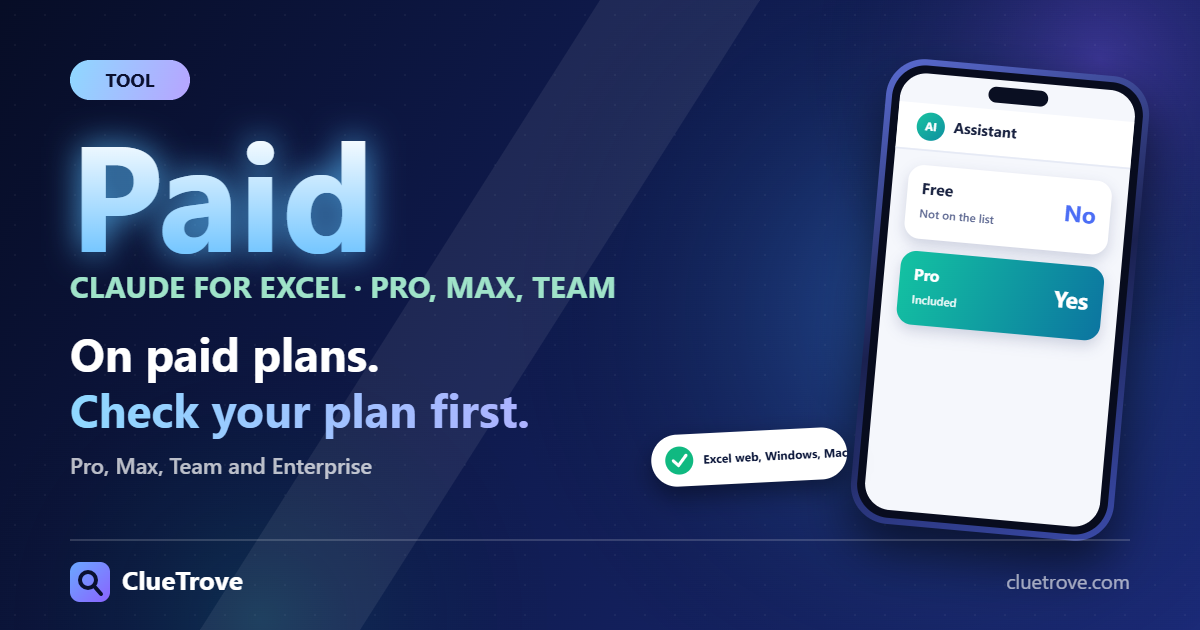
Claude for Excel is not free. Anthropic’s documentation says it “is generally available to Pro, Max, Team, and Enterprise plans,” and the Free plan is not on that list.
You get it from Microsoft AppSource as “Claude for Microsoft 365,” activate it in Excel and sign in with your Claude account. It works on Excel for the web, Windows and Mac, but not on iPad, Android, Excel 2016 or Excel 2019. This guide reflects Anthropic’s docs as checked on 19 October 2026.
The short answer
- Plans: Pro, Max, Team and Enterprise. If you are on Free, you must upgrade first.
- Where it runs: Excel on the web, Excel on Windows with Microsoft 365 (build 16.0.13127.20296 or later) and Excel on Mac (16.46 or later, build 21011600 or later).
- Install: search “Claude for Microsoft 365” on Microsoft AppSource, then sign in.
- Trust level: the docs advise against relying on it for audit-critical calculations without checking.
What can Claude for Excel do for you?
- Answers questions about your workbook with cell-level citations, so you can click through to the source cell.
- Adjusts assumptions while preserving your formulas.
- Debugs formula errors.
- Builds or populates models and templates.
- Works with connectors (the docs name S&P Global, LSEG and Daloopa) and Skills.
The current doc says Claude can sort, filter, edit pivot tables and apply conditional formatting. An older help-article version listed pivot tables and conditional formatting as unsupported. Trust the current documentation if the two conflict.
What does it not support?
- Excel 2016 or 2019 perpetual or volume licenses, and older Microsoft 365 builds.
- iPad and Android.
- Data tables, macros and VBA.
The practical result: if your model depends on macros, Claude will not write or run them. It can still explain formulas and fix errors in the sheet itself.
How do you install it as an individual?
- Open the Microsoft AppSource listing for “Claude for Microsoft 365” and choose “Get it now.”
- Open Excel and activate the add-in.
- Sign in with your Claude account.
How do organization admins roll it out?
- In the Microsoft 365 Admin Center, turn on “Let users access the Office Store.”
- Go to Integrated apps, then Add-ins, search “Claude for Microsoft 365” and assign it.
A custom-manifest route exists, and third-party platforms (Bedrock, Vertex, Azure AI Foundry or an LLM gateway) are supported according to the docs. Admins who skip the Office Store setting will find that users cannot add the add-in themselves.
What should you know about data and safety?
- Chat history is stored locally in the browser. It does not inherit custom retention settings and does not appear in Enterprise audit logs.
- The docs warn about prompt injection from external files, so be careful opening workbooks from unknown sources.
- Check results before using them in audit-critical work. Verify totals with your own formulas.
Who should use it, and who can skip it?
- Analysts on a paid plan: use it to explain inherited models, trace errors and test assumptions.
- Finance teams: pair it with a human check on every total. Audit-critical numbers need your own formulas.
- Free-plan users: skip it for now, or upgrade only if spreadsheet work is a daily task.
- Macro-heavy shops and tablet users: it will not fit, since VBA, iPad and Android are unsupported.
Compare plans on our Claude free and usage limits guide.
Questions and answers
Is Claude for Excel free?
No. The docs list Pro, Max, Team and Enterprise, and the Free plan is not among them.
Does it work on Mac?
Yes, on Excel for Mac 16.46 or later (build 21011600 or later), per the requirements.
Can it write macros?
No. The docs list macros and VBA among unsupported features.
Where do I get it?
From Microsoft AppSource, listed as “Claude for Microsoft 365.” Choose “Get it now,” activate it in Excel and sign in.
Does it work on an iPad or an Android phone?
No. iPad and Android are on the unsupported list.
Can I trust its numbers for an audit?
Not without checking. The docs advise verifying totals with your own formulas before audit-critical use.
Sources
Facts last checked on 19 October 2026; not tested by us.