
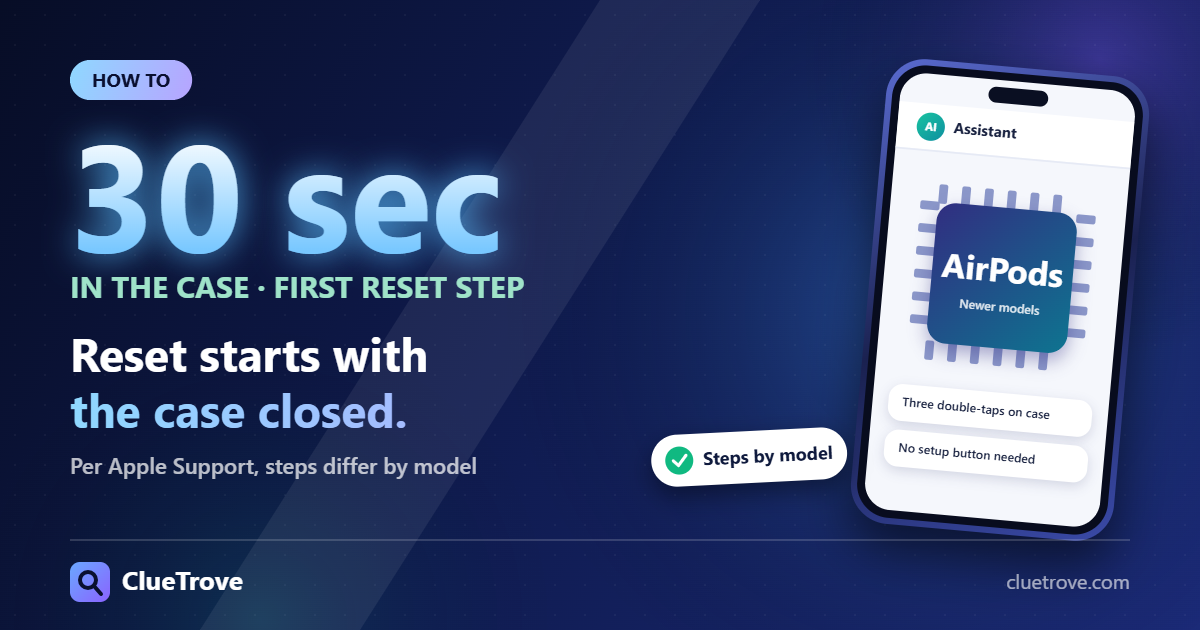
To reset AirPods, close them in the case for 30 seconds, forget them in Bluetooth settings, then hold the setup button on the back of the case for about 15 seconds. Wait for the light to flash amber, then white. AirPods 4, AirPods 5 and AirPods Pro 3 skip the button and use three double-taps on the front of the case instead.
That split matters because holding the button on a newer model does nothing. AirPods Max have their own steps. This guide follows Apple Support pages dated September and October 2026.
The short answer
- AirPods 1, 2, 3 and Pro 1, 2: hold the setup button on the back of the case for about 15 seconds.
- AirPods 4, 5 and Pro 3: double-tap the front of the case three times as the light changes.
- AirPods Max: hold the Digital Crown and the listening mode button about 15 seconds.
- Restart instead: close the lid for at least 10 seconds.
How do you reset AirPods and AirPods Pro (1st to 3rd generation, Pro 1 and 2)?
- Put the AirPods in the case, close the lid and wait 30 seconds.
- On the paired iPhone or iPad, go to Settings, then Bluetooth. If the AirPods are under My Devices, tap the More Info button, then Forget This Device, and confirm.
- Open the case lid.
- Press and hold the setup button on the back of the case for about 15 seconds.
- When the status light flashes amber, then white, follow the on-screen prompts to reconnect.
How do you factory reset AirPods 4, AirPods 5 and AirPods Pro 3?
- Steps 1 to 3 are the same: case, 30 seconds, Forget This Device, open the lid.
- Double-tap the front of the case while the status light is on.
- Double-tap again when the light flashes white.
- Double-tap a third time when it flashes faster.
- When the light flashes amber, then white, reconnect.
How do you reset AirPods Max?
To restart, hold the Digital Crown and the listening mode button together for about 10 seconds until the light flashes amber, then release. To factory reset, hold both on the right headphone for about 15 seconds until the light goes from flashing amber to flashing white. Apple’s guide says the AirPods Max are then “reset to factory settings.”
Why won’t my AirPods connect? What if the light never flashes white?
- Put the AirPods in the case and close the lid for 20 seconds.
- Open the lid.
- Repeat your model’s final step: hold the setup button about 15 seconds, or double-tap the case three times.
- Hold the open case near your device and follow the on-screen steps.
Should you reset, restart or unpair?
Try the lightest fix first. A restart costs you nothing. A reset wipes the pairing and makes you set up again.
- Restart: close the lid for at least 10 seconds, then reopen.
- Unpair on iPhone or iPad: Settings, your AirPods’ name, Forget This Device.
- Unpair on Mac: System Settings, your AirPods, Forget This Device.
- Unpair from an Apple Watch: Settings, Bluetooth, the Info button, Forget Device.
Apple suggests updating your devices to the latest software before troubleshooting. Then see how to connect AirPods to any device.
Mistakes to avoid
- Skipping Forget This Device. The reset then pairs against a stale entry.
- Using the 15-second button hold on AirPods 4, 5 or Pro 3.
- Letting go before the light flashes amber, then white.
- Resetting before you try a restart.
Questions and answers
How do I reset my AirPods Pro?
AirPods Pro 1 and 2 use the setup button on the back of the case for about 15 seconds. AirPods Pro 3 use three double-taps on the front of the case.
How do I reconnect AirPods after resetting?
When the light flashes amber, then white, follow the on-screen prompts on your iPhone or iPad to set them up again. On a Mac or Android device, use pairing mode.
How long do I hold the button to reset AirPods?
About 15 seconds, until the light flashes amber, then white, on models that use the setup button.
How do I reset AirPods 4?
Forget them in Bluetooth settings, open the lid, then double-tap the front of the case three times as the light changes.
Does resetting delete my AirPods?
No. It clears the pairing, and you set them up again.
How do I restart AirPods without resetting?
Close the lid for at least 10 seconds, then reopen it.
Related reading
- How to Connect AirPods to Android, Windows and Mac
- How to Factory Reset iPhone, Reset Network, Force Restart
- How to Factory Reset a MacBook Air or MacBook Pro
Sources
- Apple Support: if your AirPods won’t connect or need resetting
- Apple Support: restart, unpair or reset AirPods
Facts last checked on 19 October 2026 against Apple’s pages. Steps vary by model and software version.


