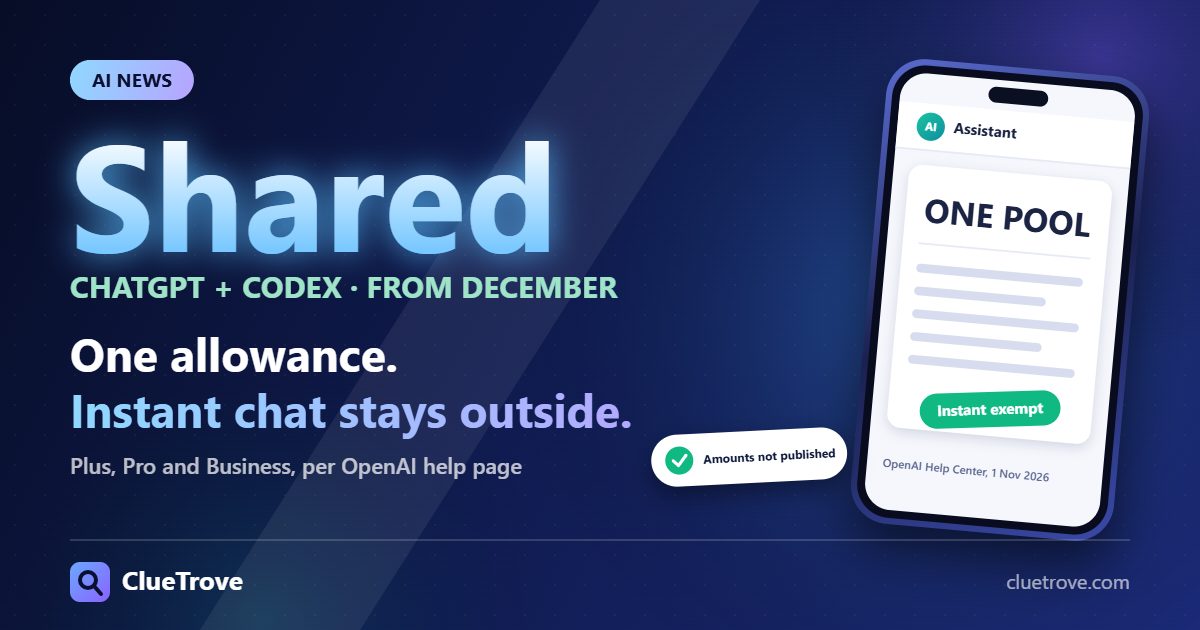
Starting in December, Plus, Pro and Business plans will share one usage allowance across ChatGPT and Codex. Instant chat will not count against it (OpenAI Help Center, updated 1 Nov 2026).
Until then, today’s rules still apply. OpenAI has not published the new allowance sizes, so no one can say yet whether your plan gets more or less.
The short answer
- Chat and coding will compete for one budget: heavy Codex days could leave less for advanced-model chat, and the reverse.
- Quick questions are safe: keep everyday chat on Instant and it stays out of the pool.
- Model choice becomes a budget choice: advanced models and complex tasks use more of the allowance.
- Nothing to do today: the change has not started. Use November to learn how fast you use your current allowance.
Current rules vs December rules at a glance
The “Now” column comes from OpenAI’s page on managing usage with GPT-6 Astra in Work and Codex (updated 31 Oct 2026). The “December” column comes from its page on ChatGPT and Codex usage limits (updated 1 Nov 2026). Neither page shows when it was first published.
| Point | Now | From December |
|---|---|---|
| What shares one allowance | Work and Codex. Chat has its own message limits. | ChatGPT and Codex |
| Plans named | Plus and Pro plans; Business Standard and Premium seats | Plus, Pro and Business |
| How usage is counted | Not a fixed number of messages or tasks; depends on model, task and settings | In tokens; depends on the model and the task |
| Instant chat | Outside the Work and Codex allowance, as part of Chat | Does not draw from your usage |
| Time windows | Five-hour and weekly, depending on plan (details below) | Not published |
| Allowance size per plan | Estimated ranges published for Plus and Standard Business | Not published |
| Where you see it | Settings → Usage | Settings → Usage, with combined remaining usage and reset times |
| When you hit the limit | Wait for the reset, use a saved reset, or continue with eligible credits, depending on your account | Wait for the reset, upgrade your plan, or buy credits to keep using eligible features |
| Start date | In force now | The page says “Starting in December” and gives no day |
Until the “Not published” cells are filled, any claim that December brings a cut or an increase is a guess.
What did OpenAI announce?
OpenAI ties the change to bringing the agentic capabilities of Work into the main ChatGPT experience. Usage will be measured in tokens, the units of information a model processes and generates. More advanced models and complex tasks generally use more of your allowance. On the exemption, the page is direct: “Instant chat will not draw from your usage.”
OpenAI also says it is preparing the transition to avoid disrupting workflows. It expects most users won’t need to wait for a reset more often than they do now. That is the company’s forecast, not a measurement of your account.
How do the limits work right now?
Depending on your plan, two windows can apply to Work and Codex:
- Five-hour window: sets how much usage each window includes. A new window starts when you send your first message in Work or Codex after the previous window ends.
- Weekly window: caps how much included work you can use over the weekly period.
Where both apply, you need allowance left in both. So you can hit the five-hour limit before five hours pass, even with weekly usage remaining. Pro 100, Pro 200 and Pro 500 currently have no five-hour usage limit in Work and Codex, though they still have an included allowance.
For Plus and Standard Business, OpenAI estimates local messages per five-hour window. The ranges are the same for both:
| Model | Estimated local messages per five-hour window (Plus and Standard Business) |
|---|---|
| GPT-6 Astra | 5–45 |
| GPT-6.1 Sol | 15–160 |
| GPT-6 Sol | 15–150 |
| GPT-6 Luna | 350–3,000 |
OpenAI calls these estimates, not guaranteed counts. Cloud tasks may use more allowance than local messages, and weekly limits may also apply. API usage is billed separately at API rates.
A note on names: this table lists GPT-6.1 Sol, GPT-6 Sol and GPT-6 Luna, but the same page’s model guide lists GPT-5.6 Sol, GPT-5.6 Terra and GPT-5.6 Luna. Match the names in your own model picker before comparing.
What does the table tell you about December?
It shows how wide the gap between models already is. At the low end, Luna allows 350 messages where Astra allows 5, which is 70 times as many by our arithmetic. At the high end, 3,000 against 45 is about 67 times.
Today that gap only touches your Work and Codex pool. Once ChatGPT and Codex share one allowance, a long Astra session in Codex could also leave less for chat on advanced models.
The Astra page lists what raises usage for the same task: larger inputs and outputs, higher reasoning settings, Fast mode and multi-step tasks. Higher effort does not always give a better result, and Astra at Low effort can outperform Sol at High effort, per OpenAI. A cheaper choice per message is not always cheaper per finished job, as we explain in why a cheaper AI model can cost more per finished task.
How to check your own usage before December
These steps use only what OpenAI’s two pages describe. Doing them in November gives you a baseline to compare against once the shared allowance starts.
- Pick the right account. Make sure you are signed in to the account and workspace you actually use, then refresh Settings → Usage.
- Read the percentage label. The usage percentage can show either how much you have used or how much remains. The label tells you which.
- Note which limit you hit and when it resets. The page shows your remaining allowance, usage windows and reset times. Write down how often you reach a limit in a typical week.
- Check before a large task. Look at your remaining allowance first, choose the model and reasoning level before you start, and review the result before raising effort.
- Look for a saved reset. In the ChatGPT desktop app, a banked reset appears as an option such as “1 reset available” or “Full reset.” Check what it resets and when it expires before confirming.
- Report usage that looks wrong. OpenAI asks you to tell Support the product, plan, date, time and timezone, model, reasoning level, Fast mode setting and any error message.
What else applies today if you run out?
- Switching models does not help: it does not restore allowance in a shared usage pool.
- Banked resets: a full banked reset refreshes your five-hour and weekly Work and Codex limits and changes your weekly reset date.
- Purchased instant resets: eligible personal Plus and Pro accounts can buy one, depending on account and billing country. It applies as soon as checkout succeeds and cannot be saved. Your next automatic weekly reset comes seven days after your first Work or Codex request after it.
- Ultrafast on Pro $500: it uses included Work and Codex usage first at 8× the Standard rate for the selected model, then credits at 6× the Standard credit rate. Plus, Pro $100, Pro $200 and Business do not include Ultrafast at launch, and buying credits does not enable it.
OpenAI has not said which of these Work and Codex rules carry over to the shared December allowance.
Who should pay attention, and who can relax?
Pay attention if
You use Codex or Work heavily and also chat on advanced models. From December, both draw from the same allowance.
You can relax if
Most of your ChatGPT use is quick questions on Instant.
Plan ahead if
You run long Astra tasks on Plus or Standard Business. Astra has the narrowest message range in the table above.
Questions readers ask
When will ChatGPT and Codex share usage limits?
OpenAI’s page says the shared allowance starts in December, for Plus, Pro and Business plans. Until then, Work and Codex share one allowance and Chat keeps its own limits.
Does ChatGPT Instant count against my Codex usage?
No. OpenAI says Instant chat will not draw from the shared usage allowance.
Does ChatGPT Pro have a five-hour limit in Codex?
Not right now. Pro 100, Pro 200 and Pro 500 have no five-hour usage limit in Work and Codex, but they still have an included allowance.
What happens when I hit the ChatGPT and Codex limit?
From December, you can wait for the reset, upgrade your plan, or buy credits for eligible features. Switching to another model does not restore allowance in a shared pool.
Where can I see my remaining ChatGPT and Codex usage?
In Settings → Usage. From December, it will show combined remaining usage and reset times for ChatGPT and Codex.
Is API usage part of my ChatGPT plan allowance?
No. OpenAI bills API usage separately, at API rates.
Glossary
- Allowance: the usage included with your plan before you must wait, upgrade or pay with credits.
- Token: a unit of information a model processes and generates. The shared allowance is measured in tokens.
- Banked reset: a saved reset that stays on your account until you use it or it expires.
- Reasoning level: a setting for how much thought the model puts into a task. Higher levels can use more allowance.
Sources
- OpenAI Help Center, Understanding ChatGPT and Codex usage limits (updated 1 November 2026)
- OpenAI Help Center, Managing usage with GPT-6 Astra in Work and Codex (updated 31 October 2026)
Facts read on 2 November 2026. ClueTrove did not test any ChatGPT or Codex account. Plan limits change; check OpenAI’s pages before you upgrade or buy credits.
Part of the guide: AI model pricing and API cost guide.