Use a subagent for one focused job, and an agent team only when several workers must talk to each other. Subagents are cheaper and stable. Agent teams are experimental, “disabled by default,” and “use significantly more tokens than a single session.”
Anthropic’s docs define subagents as “specialized AI assistants that Claude delegates tasks to,” each with its own context window, system prompt, tools and permissions; only a final summary returns to the main session. In a team, several full Claude Code instances share a task list and message each other. This guide shows how to create a subagent, which settings it supports, how to enable teams and when to choose each, from the official docs checked on 19 October 2026.
Quick answer
- Subagent: a delegated helper with its own context; reports back to the caller only. Cheaper; good for focused tasks like investigation or review.
- Agent team: a lead plus teammates, each a full Claude Code instance, sharing tasks and messaging each other. Experimental; costs scale with teammates.
- Docs advice: start with subagents; use teams when teammates need to talk to each other.
How do I create a subagent?
A subagent is a Markdown file with YAML frontmatter; the body is its system prompt. Only name and description are required. This minimal example sits between two lines of three dashes, with the prompt below them:
- name: code-reviewer
- description: Reviews code for quality and best practices
- tools: Read, Glob, Grep
- model: sonnet
- Body: You are a code reviewer. Check for bugs, unclear naming and missing tests.
Where can it live? (highest priority first)
- Managed settings
- The –agents command-line flag (that session only)
- .claude/agents/ in a project
- ~/.claude/agents/ for your user account
- A plugin’s agents/ folder
You can ask Claude to write the file, create it by hand or pass JSON with claude –agents. Edits are picked up within seconds. In current versions /agents only prints a reminder; the setup wizard existed up to v2.1.197, per the docs.
Which frontmatter fields are documented?
| Field | Purpose |
|---|---|
| name, description | Required; the description helps Claude decide when to delegate |
| tools, disallowedTools | Allowlist and denylist; all tools are inherited if tools is omitted |
| model | sonnet, opus, haiku, fable, a full model ID, or inherit |
| permissionMode | default, acceptEdits, auto, dontAsk, bypassPermissions or plan |
| maxTurns, effort, memory, skills, mcpServers, hooks | Limit turns, set effort, memory scope, preloaded skills, servers and hooks |
| isolation: worktree | Run in a separate git worktree |
Plugin subagents ignore permissionMode, mcpServers and hooks, and unknown fields are silently ignored. Built-in subagents include Explore, Plan and General-purpose; you can block one with a permission deny rule such as Agent(Explore).
How do I invoke one?
- Automatically, when the task matches its description. Words like “use proactively” in the description encourage this.
- By asking in natural language.
- With an @-mention such as @”code-reviewer (agent)”.
- As the whole session: claude –agent code-reviewer, or set {“agent”: “code-reviewer”} in .claude/settings.json.
How do agent teams work, and how do I turn them on?
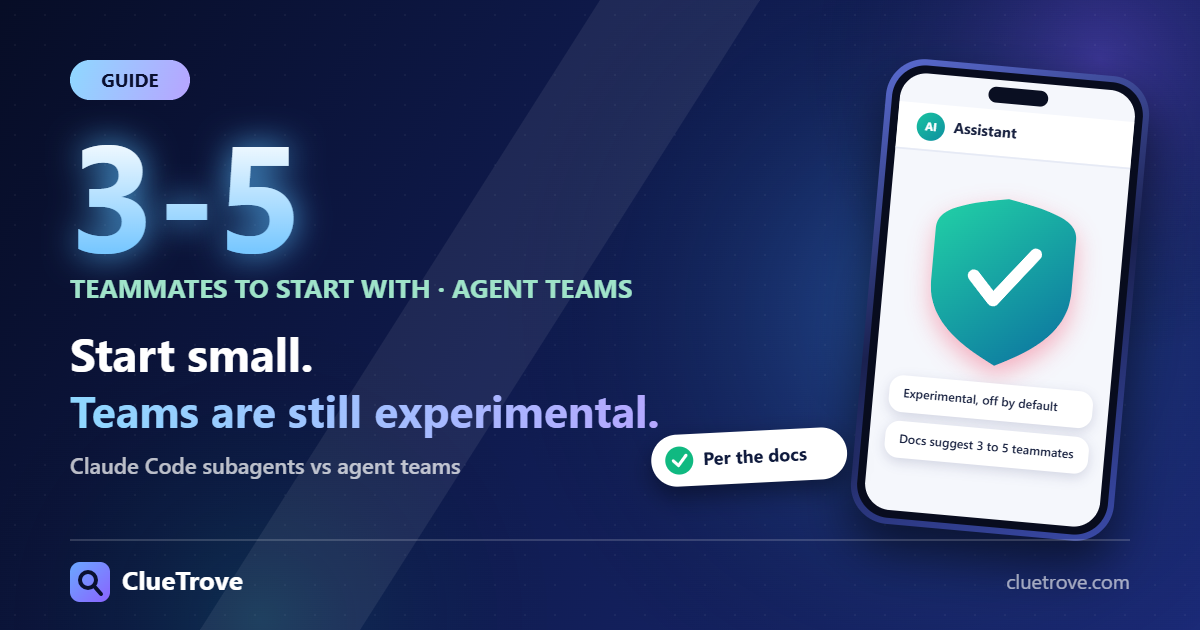
The docs’ warning: “Agent teams are experimental and disabled by default.” Enable them by setting CLAUDE_CODE_EXPERIMENTAL_AGENT_TEAMS=1 in your environment, or in settings.json under env. Set it to 0 to turn them off.
One side effect matters. While teams are enabled, a subagent that Claude names on its own launches as a teammate, so a team can form when you did not ask for one. Set the variable to 0 to get plain subagents back.
| Subagents | Agent teams | |
|---|---|---|
| Communication | Report back to the caller only | Teammates message each other and share a task list |
| Context | Own window; summary returns | Each teammate is its own Claude Code instance |
| Cost | Lower | “Significantly more tokens”; scales linearly with teammates |
| Status | Stable feature | Experimental |
Documented limits: no resuming in-process teammates, one team per session, no nested teams, a fixed lead, task status that can lag, and interactive use only (not -p). Split-pane display needs tmux or iTerm2 and is not supported in the VS Code terminal, Windows Terminal or Ghostty.
How big should a team be?
The docs suggest starting with 3 to 5 teammates. For 15 independent tasks, 3 teammates is a good start, and about 5 to 6 tasks per teammate keeps everyone busy. Three focused teammates often beat five scattered ones.
Teammates do not inherit the lead’s conversation, so put task details in the spawn prompt. Two teammates editing the same file overwrite each other, so give each one different files.
Which should you use? (suggestions)
- One focused job such as searching the codebase or reviewing a diff: a subagent.
- Parallel work where the pieces must coordinate: consider a team, and watch token use.
- Research, review or debugging with competing theories: the docs call these the strongest team cases.
- Sequential tasks or same-file edits: stay with one session or subagents.
- Track the bill with /usage; see how much Claude Code costs.
What mistakes should I avoid?
- Starting with a team when a subagent would do. You pay for every extra instance.
- Letting a team run unattended for too long.
- Splitting tasks so small that coordination costs more than the work.
- Expecting teams in split panes inside the VS Code terminal.
Questions and answers about Claude Code
What is a Claude Code subagent?
A specialized assistant with its own context window, prompt, tools and permissions that Claude delegates tasks to.
Are agent teams on by default?
No. They are experimental and disabled until you set the environment variable.
Do subagents cost extra?
They use tokens like any work. The docs call teams much more expensive than a single session, and subagents the cheaper option for focused tasks.
How many teammates should I start with?
Start with 3 to 5. Add more only when the work truly runs in parallel.
Can subagents talk to each other?
Normally they report back to the caller only. Teammates in a team message each other directly.
Where do I save a subagent for all my projects?
In ~/.claude/agents/ for your user account. Use .claude/agents/ for one project.
Sources
Facts last checked on 19 October 2026; team-size and side-effect notes re-checked on 29 October 2026. Experimental features change; confirm in the docs.