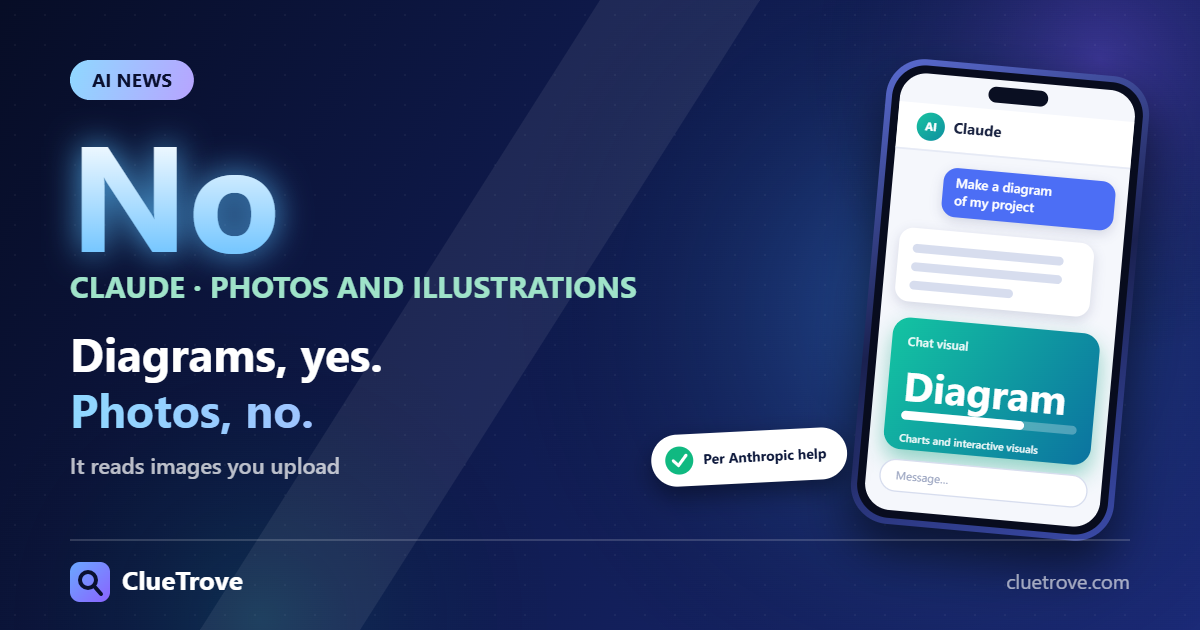
No. Claude does not make photos or illustrations. It does build diagrams, charts and interactive visuals in a chat, and it can read any image you upload.
Anthropic’s help center says Claude “doesn’t generate photos or illustrations the way image-generation tools do.” Its visuals are “generated using HTML and SVG,” and Anthropic describes them as in beta on Claude web and desktop. The article was last updated 16 March 2026. A newer policy may exist, so check the current help page.
The short answer
- Photos and illustrations: not natively. Use a separate image tool.
- Diagrams, charts, interactive visuals: yes, built with HTML and SVG, in beta on web and desktop.
- Images you upload: yes. Claude can view and analyze them.
What is the difference between understanding and generating images?
Understanding means Claude looks at an image you give it. Generating means it paints a new picture from your words. Claude does the first and, for photo-style output, not the second.
| Task | Claude |
|---|---|
| Describe or analyze an uploaded photo, chart or screenshot | Supported |
| Draw a flowchart, bar chart or interactive widget | Supported via HTML and SVG visuals (beta) |
| Create a photorealistic picture from a text prompt | Not native |
| Edit or restyle a photo | Not described in the article |
Pick Claude when you need a clean diagram or chart you can adjust. Pick another tool when you need a picture that looks like a photograph or a painting.
Where can you get photo-style images?
Other products list image creation on their plans:
- Gemini: its subscriptions page lists image creation and editing (Nano Banana) as included in the Free plan.
- Adobe Firefly: its plans page says the free plan offers “free daily generations across image, video, and audio.”
- Bing Image Creator: a limited number of free fast creations per day, and signing in unlocks more.
Limits, features and country availability change, so check each page before you commit. Image quality across these tools was not compared here.
What is a good workflow when you need a picture?
- Ask Claude to write a detailed image prompt, or an SVG for a diagram.
- Paste the prompt into an image tool for photo-style output.
- Check the licensing and any watermark rules on the tool you pick before you publish.
For Claude’s other limits and plans, see the ClueTrove guide on whether Claude is free.
Mistakes to avoid
- Do not expect a photo from a chat prompt. Ask for a diagram or an image prompt instead.
- Do not assume free image plans have no cap. Gemini, Firefly and Bing each set their own limits.
- Do not skip licensing. Check the rules of whichever tool made the image.
Questions and answers
Can Claude make images?
It makes diagrams, charts and interactive visuals with HTML and SVG, but not photos or illustrations natively.
Can Claude look at my pictures?
Yes. Image upload and analysis are supported, so you can share a photo, chart or screenshot and ask about it.
Are Claude’s visuals available everywhere?
Anthropic describes them as a beta on Claude web and desktop.
Can Claude write a prompt for another image tool?
Yes. Ask for a detailed prompt, then paste it into Gemini, Firefly or Bing Image Creator.
Which free tool should I try first?
Gemini’s Free plan includes image creation and editing, Firefly’s free plan has daily generations, and Bing offers a few fast creations per day. Try the one you already have an account with.
Sources
- Claude help: can Claude generate images
- Gemini: subscriptions
- Adobe Firefly: plans
- Bing Image Creator
Facts last checked on 19 October 2026; the Anthropic article was last updated 16 March 2026.