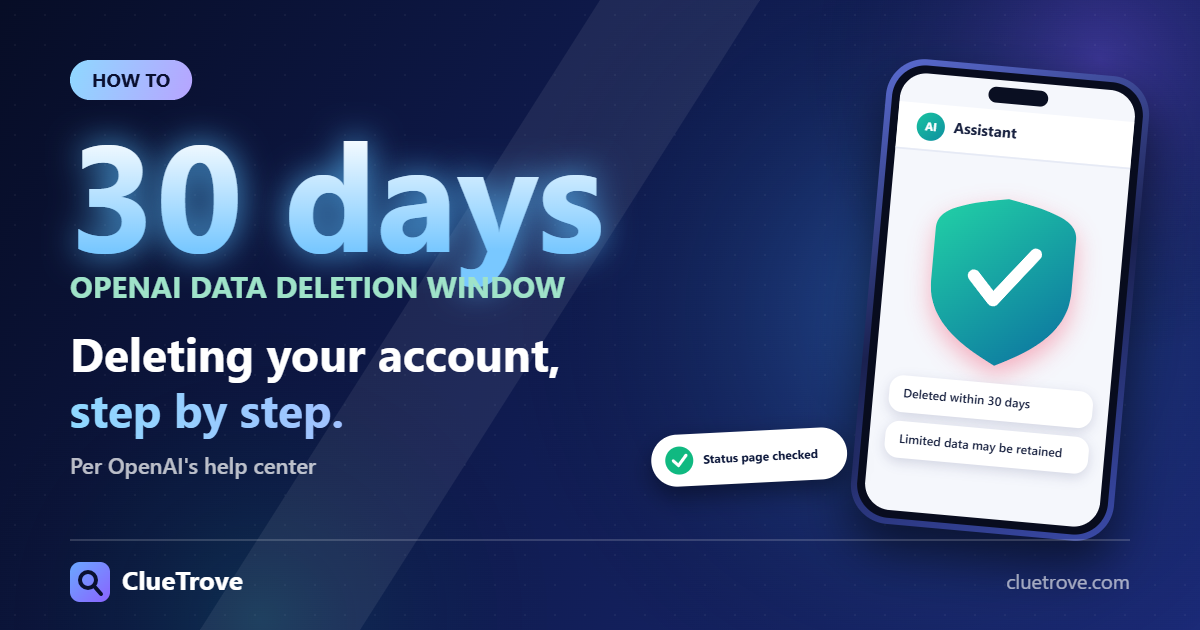
To check whether ChatGPT is down, open status.openai.com. To delete your account on the web, go to Settings > Account, select Delete next to Delete account, enter your email or phone number, type DELETE and select Permanently delete my account.
OpenAI says it deletes your data within 30 days, except limited data it may retain where required or permitted by law. These steps come from OpenAI’s help center pages (marked “Updated” within the last day or two) and its status page, all read in the browser on 20 October 2026.
Quick answer
- What it is: OpenAI’s AI assistant for brainstorming, writing, studying, planning, math, coding and analyzing images and files. The launch post is dated 30 November 2022 (free research preview).
- Is it down? status.openai.com lists ChatGPT, API and Codex components.
- Delete account: Settings > Account > Delete > type DELETE > Permanently delete my account. Data is deleted within 30 days.
- Stop training use: Settings > Data controls > turn off Improve the model for everyone.
What is ChatGPT?
In OpenAI’s words, ChatGPT is an AI assistant trained to follow your instructions in a conversation. OpenAI’s FAQ says you can use it on the web at chatgpt.com (you can try it without an account in supported regions) and in iOS and Android apps. It can search the web and cite sources when it needs current information. You can also create images, which carry C2PA provenance metadata.
The plans listed are Free (core ChatGPT with basic limits), Plus and Pro (latest models and tools, higher limits), and Business and Enterprise. OpenAI’s 2022 launch post describes a dialogue-trained model released as a free research preview and fine-tuned from a GPT-3.5-series model. The product has changed a lot since.
How do you use ChatGPT?
Per OpenAI’s FAQ:
- Open ChatGPT, type what you need in the message box and send.
- Select New chat to start fresh.
- Ask follow-up questions, because ChatGPT remembers context within a chat.
- Upload a file or image to analyze or summarize (on paid plans with data analysis).
OpenAI’s Academy pages (search summary) add four habits: be specific, give context, iterate, and state tone and format. Ask for sources too. To test tools on your own tasks, see how to run a one-afternoon evaluation.
Is ChatGPT down right now?
Open status.openai.com. When read, it showed all systems operational, with sections for APIs, ChatGPT (including Conversations, Login, Voice mode, Search and Image Generation), Codex, FedRAMP and Ads Platform. It also offers a Subscribe to updates option and a View history link.
Its metrics are aggregated across tiers, models and error types, so your experience may differ from the page. It changes constantly, so check it live. If the page is green and you still have trouble, work through the fixes below.
Why is ChatGPT slow or not working?
Work down OpenAI’s troubleshooting list, cheapest fix first:
- Clear your browser cache and cookies, and check OpenAI’s Status Page. OpenAI notes slowness can appear at peak hours.
- Try a different browser, disable extensions (especially script or ad blockers) and use a private window.
- Try a different device or network, check your connection speed and consider whether a company network or VPN blocks access. Mobile data may be slower.
- If it is stuck on “Thinking…”, shows a blank page or freezes: hard refresh, open a private window with extensions disabled, sign out and in, clear site data, and switch to another model with a brand-new chat to see whether the issue is model-specific.
- If it persists, collect diagnostics (such as a HAR file) before contacting Support.
How do you delete your ChatGPT account?
Account deletion is permanent. OpenAI suggests alternatives first: cancel the subscription, change your email, or delete a chat.
On the web
- Sign in, open your account menu and select Settings > Account.
- Next to Delete account, select Delete.
- Enter your account email or phone number and type DELETE when prompted.
- Select Permanently delete my account.
The mobile apps have separate iOS and Android articles. If you can’t sign in, use OpenAI’s Privacy Portal: Make a Privacy Request > I have a consumer ChatGPT account > Delete my ChatGPT account, then verify the email or phone number linked to the account.
What happens when you delete
- Your data is deleted within 30 days, except a limited set that may be retained longer where required or permitted by law.
- Deleting the account cancels subscriptions billed directly by ChatGPT, but not Apple App Store or Google Play ones. Cancel those first.
- If the same email also manages an OpenAI Ads account, you may lose access while campaigns keep running. Pause them first.
- Self-service deletion is not available in ChatGPT Business, Enterprise, Edu or Healthcare workspaces. Contact your organization.
Also see the ClueTrove guide on how to cancel a ChatGPT subscription.
How do you delete chats or stop them being used for training?
- Delete one chat: open history, select the more options menu (•••) > Delete > confirm. It disappears from your view immediately and is scheduled for permanent deletion within 30 days (unless already de-identified or kept for security or legal reasons). It cannot be restored.
- Delete or archive all: Settings > Data controls > Delete all chats (cannot be undone) or Archive all chats.
- Stop training use: Settings > Data controls > turn off Improve the model for everyone. New conversations then won’t be used to train OpenAI models. Saved chats are not deleted or hidden.
- Temporary chat: not shown in history, doesn’t create or update memories, isn’t used to improve models, and may be retained up to 30 days for safety.
Is ChatGPT safe?
OpenAI gives you data controls (above), a privacy center and a Privacy Portal. Safety depends on what you share. Use Temporary Chat for sensitive topics, and avoid entering sensitive personal, financial or health information.
How do you cite ChatGPT?
Use the style bodies, since OpenAI gives no citation format. APA (page updated September 2025 per search): OpenAI. (2025). ChatGPT [Large language model]. https://chatgpt.com/ with in-text (OpenAI, 2025). The AI is not an author. MLA (updated August 2025 per search): the prompt as the title, ChatGPT as the container, the model version, OpenAI as publisher, the date and the share URL. Verify the final format at apastyle.apa.org and style.mla.org.
Mistakes to avoid
- Do not delete your account to fix an outage. Check the status page first.
- Do not forget App Store or Google Play subscriptions. Deleting the account does not cancel them.
- Do not delete when you only want privacy. Turn off “Improve the model for everyone” or use Temporary Chat.
Questions and answers
Who made ChatGPT?
OpenAI. Its launch post is dated 30 November 2022.
Does deleting my account cancel my Apple subscription?
No. OpenAI says to cancel Apple or Google Play subscriptions first.
Can I use ChatGPT without an account?
OpenAI’s FAQ says you can try it without an account in supported regions.
How long until my data is deleted?
Within 30 days of account deletion, except limited data kept where required or permitted by law.
Can I delete my account from a company workspace?
No. Self-service deletion is not available in Business, Enterprise, Edu or Healthcare workspaces, so contact your organization.
Sources
- OpenAI: Introducing ChatGPT
- OpenAI Help: What is ChatGPT FAQ
- OpenAI Help: deleting your account
- OpenAI Help: data controls
- OpenAI Help: delete and archive chats
- OpenAI Help: slow responses
- OpenAI Status
Facts last checked in the browser on 20 October 2026. OpenAI updates these pages often; confirm menu labels.