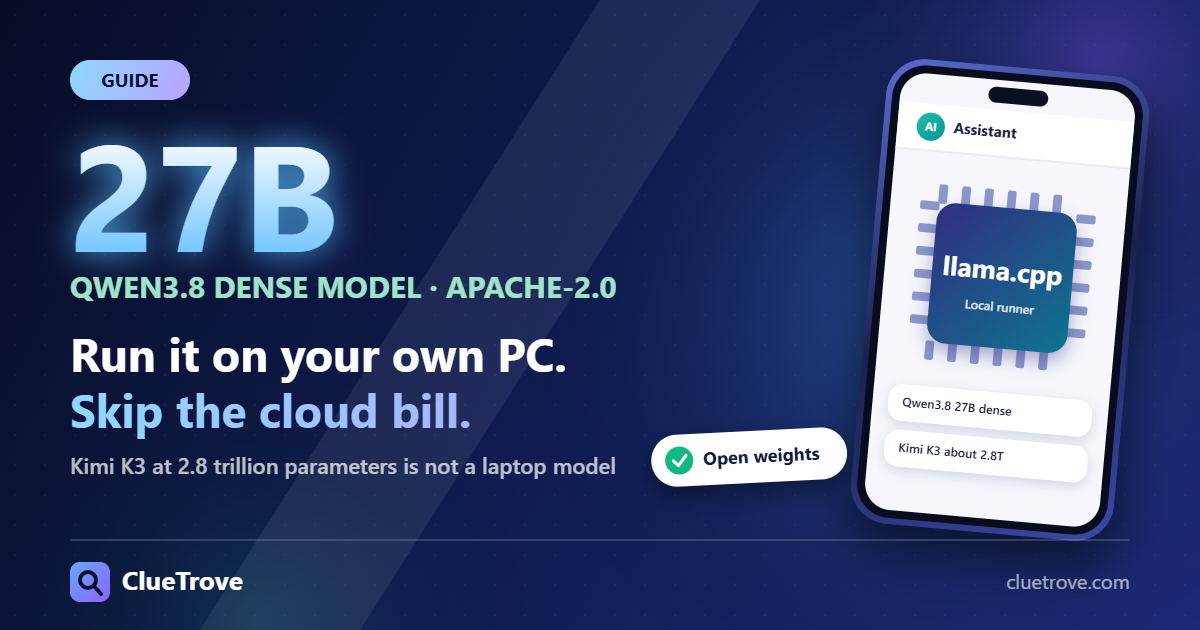
Install llama.cpp with one script, then run a model straight from Hugging Face with llama cli -hf ggml-org/Qwen3.5-0.8B-GGUF. The engine is free and open source under the MIT license.
Pick your model with care. Kimi K3 has about 2.8 trillion parameters, so it is not a laptop model. Qwen3.8 includes a 27B dense model under Apache-2.0, which is the realistic starting point for a normal PC. Kimi K2.5 and Qwen3.5 are no longer the newest. This guide summarizes the llama.cpp README and the model cards, read on 20 October 2026.
The short answer
- Install llama.cpp: curl -LsSf https://llama.app/install.sh | sh (macOS and Linux) or irm https://llama.app/install.ps1 | iex (PowerShell). You can also download releases, use Docker or build from source.
- Run a model: llama cli -hf ggml-org/Qwen3.5-0.8B-GGUF.
- Serve an API: llama serve -hf ggml-org/Qwen3.5-0.8B-GGUF. It is OpenAI-compatible.
- Newest open models seen: Kimi K3 and Qwen3.8. Kimi K2.5 and Qwen3.5 are older.
What is llama.cpp and what hardware does it use?
The README says it is optimized for Apple silicon (ARM NEON, Accelerate and Metal), x86 vector extensions, custom CUDA kernels for NVIDIA GPUs (AMD via HIP), Vulkan and SYCL. It offers 1.5-bit to 8-bit integer quantization. It also does CPU+GPU hybrid inference, so a model larger than your VRAM can still run. Models are stored in GGUF format. The repository includes conversion scripts such as convert_hf_to_gguf.py for turning other formats into GGUF.
How do I install llama.cpp?
- macOS or Linux: curl -LsSf https://llama.app/install.sh | sh
- Windows PowerShell: irm https://llama.app/install.ps1 | iex
- Or download pre-built binaries from the releases page, use Docker, or build from source.
Piping a script into your shell runs code from the internet, so read the script first if you are cautious. The README lists no Homebrew or WinGet route. It now writes llama cli and llama serve, while older guides use llama-cli and llama-server. If a command is not found, try the older name.
Which Kimi or Qwen model fits which machine?
| Model | Details |
|---|---|
| Kimi K3 | Size (per model card): 2.8T total / 104B active (MoE) · Context: 1,048,576 · License shown: Kimi K3 License |
| Kimi K2.6 | Size (per model card): ~1T total / 32B active · Context: 256K · License shown: Modified MIT |
| Kimi K2.5 | Size (per model card): 1T total / 32B active · Context: 256K · License shown: Modified MIT |
| Qwen3.8-27B | Size (per model card): 27B dense (plus vision encoder) · Context: 262,144 native, ~1M with YaRN · License shown: Apache-2.0 |
| Qwen3.5-397B-A17B | Size (per model card): 397B total / 17B active · Context: 262,144 · License shown: Apache-2.0 |
Read the table by size. Qwen3.8-27B is dense at 27B, the smallest serious model here. Every Kimi model is a mixture-of-experts with at least 1T total parameters, so memory, not speed, is the barrier. Qwen3.5-397B-A17B activates only 17B per token, but you still must hold all 397B in memory.
For Kimi K3 and Qwen3.8, the cards recommend engines such as vLLM and SGLang and point to community quantizations for llama.cpp. For Kimi K2.6, quantizations are described as usable in llama.cpp, Ollama and LM Studio. The cards publish no official hardware minimums, so start small and scale up.
How much does the Kimi API cost instead?
If local hardware is out of reach, Moonshot’s pricing page lists these prices per million tokens:
| Model | Details |
|---|---|
| kimi-k3 | Input: $3.00 · Cached: $0.30 · Output: $15.00 |
| kimi-k2.6 | Input: $0.95 · Cached: $0.16 · Output: $4.00 |
| kimi-k2.7-code | Input: $0.95 · Cached: $0.19 · Output: $4.00 |
Simple arithmetic: one million input tokens plus one million output tokens costs $18 on kimi-k3 and $4.95 on kimi-k2.6. Kimi K2.5 is not listed on that page. Prices exclude taxes.
What should I do first?
- Install llama.cpp and run the small Qwen3.5-0.8B-GGUF model to confirm your setup works.
- Move to a mid-size model such as a quantized Qwen3.8-27B once the small one runs.
- Use llama serve if another app needs an OpenAI-compatible endpoint.
- Check the license texts for Kimi K3 and Qwen3.8 before any commercial use.
Questions and answers
Can I run Kimi K3 on a laptop?
No. At 2.8 trillion parameters it needs server-class memory. Use Qwen3.8-27B or a smaller model locally, or call the Kimi API.
What is GGUF?
It is the model file format llama.cpp uses. The repository includes conversion scripts such as convert_hf_to_gguf.py.
Is llama.cpp free?
Yes. The repository shows an MIT license.
How do I start an API server?
Run llama serve -hf with a model name, for example ggml-org/Qwen3.5-0.8B-GGUF. The server is OpenAI-compatible.
Can llama.cpp run a model bigger than my GPU memory?
Yes. It supports CPU+GPU hybrid inference for models larger than VRAM, though it runs slower than a model that fits entirely.
Related reading
- Kimi K3.1 Pro: Independent Score, Price and Weights Promise
- Kimi K3.1 Pro: 3D Make, Finance and Cyber Claims
- How to Install Ollama and Run an AI Model on Your PC
Sources
Facts last checked on 20 October 2026. Model lineups change quickly.