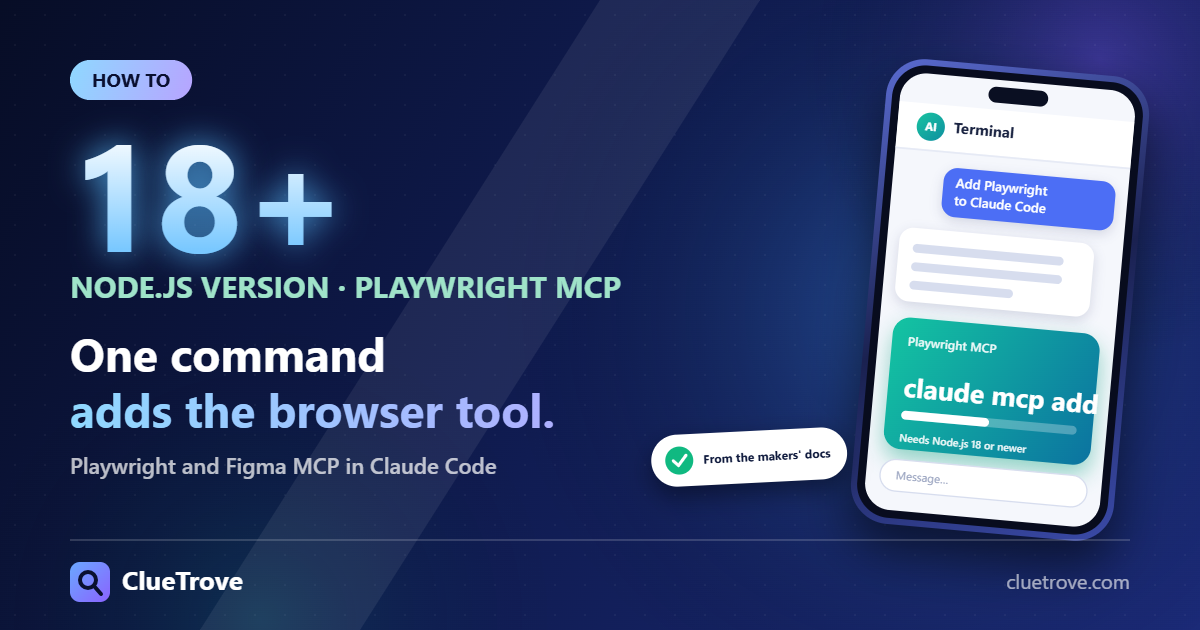
Each server takes one command. Playwright MCP: claude mcp add playwright npx @playwright/mcp@latest (needs Node.js 18 or newer). Figma MCP: claude mcp add –transport http figma https://mcp.figma.com/mcp, then type /mcp and authenticate in the browser.
Both commands come from the makers’ docs (Microsoft’s playwright-mcp repository and Figma’s developer docs) and from Claude Code’s MCP docs, read on 20 October 2026. Figma’s rate limits depend on your seat and plan, so check the table below before you rely on it.
Quick answer
- Playwright MCP: claude mcp add playwright npx @playwright/mcp@latest (Node.js 18+).
- Figma MCP (remote): claude mcp add –transport http figma https://mcp.figma.com/mcp, then /mcp > Authenticate.
- Figma plugin route: claude plugin install figma@claude-plugins-official.
- Safety: Playwright MCP says it is “not a security boundary,” so trust every MCP server you add.
Which one do you need?
Use Playwright MCP when Claude must drive a browser: click, fill forms, take screenshots and read console messages. Use Figma MCP when Claude must read a design and write code from it, or write content back to the canvas.
They solve different problems, and many front-end workflows use both. Figma supplies the design, and Playwright checks the result in a real browser.
What is Playwright MCP?
It is Microsoft’s MCP server that lets an AI client drive a browser through Playwright. Its core tools work from page snapshots (the accessibility tree), with optional vision tools. Clients listed include VS Code, Cursor, Windsurf and Claude Desktop.
How do you install Playwright MCP in Claude Code?
- Install Node.js 18 or newer.
- Run claude mcp add playwright npx @playwright/mcp@latest.
- Start Claude Code and check the server with /mcp.
The README also shows a standalone HTTP mode (npx @playwright/mcp@latest –port 8931, client URL http://localhost:8931/mcp) and a Docker image that supports headless Chromium only.
What can Playwright MCP do?
Always-on tools include click, navigate, type, fill form, take screenshot, snapshot, handle dialog, file upload, network requests, console messages and tabs. Extra capabilities are opt-in with –caps (for example vision, pdf, devtools, storage). Options include –browser (chrome, firefox, webkit, msedge), –headless, –isolated and –allowed-origins.
Does Playwright MCP keep my logins?
Yes, by default. It uses a persistent profile per workspace, so logins stay. Use –isolated to discard state on close, or –storage-state to seed it.
Is Playwright MCP safe?
Treat it as powerful, not sandboxed. The README calls it “not a security boundary.” Origin allow and block lists do not cover redirects. Secret redaction is a convenience, not a security feature. The run-code tool executes arbitrary JavaScript in the server process. Keep it to workspaces and sites you trust, and use –isolated when you do not want sessions to persist.
What is the Figma MCP server?
Figma says it brings Figma into your AI workflow. Agents get design context to generate code from Figma files, and the remote server can also write content back to the canvas. There are two servers: the remote server (recommended) at https://mcp.figma.com/mcp, and a desktop server run through the Figma desktop app.
How do you install the Figma MCP server in Claude Code?
- Plugin (recommended): claude plugin install figma@claude-plugins-official.
- Or manually: claude mcp add –transport http figma https://mcp.figma.com/mcp (add –scope user for all projects).
- In a new session type /mcp, select figma, choose Authenticate and click Allow access in the browser.
Manual setup does not install Figma’s skills, which is why the plugin is recommended. In your prompt, paste a link made with right-click > Copy link to selection. The remote server needs that link.
Which Figma plans and seats does it need?
Figma’s docs say the desktop server requires a Dev or Full seat on a Professional, Education, Organization, Government or Enterprise plan. Writing to the canvas needs the remote server, and writing outside your drafts needs a Full seat. It is free during beta, with usage-based pricing planned.
What are the Figma MCP rate limits?
| Seat / plan | Limit (per Figma) |
|---|---|
| View or Collab seats | 20 per month, all plans |
| Full/Dev, Professional | 200 per day, 10 per minute |
| Full/Dev, Organization | 200 per day, 15 per minute |
| Full/Dev, Enterprise | 600 per day, 20 per minute |
| Starter | Not available for Full/Dev seat limits |
Read the table like this: a View seat gets 20 calls a month, which is too few for real work. A Full or Dev seat on Professional gets 200 a day, and Enterprise triples that to 600. Figma says some write tools are exempt and that it may change limits at any time.
Mistakes to avoid
- Do not add an MCP server you do not trust. Playwright MCP can run arbitrary JavaScript.
- Do not install Figma manually and then wonder why its skills are missing. Use the plugin.
- Do not paste a plain file URL. Paste a link to the selection.
- Do not plan heavy work on a View or Collab seat.
Questions and answers
Where does Claude Code store MCP servers?
By scope: local (default, this project only), project (.mcp.json, shared) or user (all projects), set with –scope.
Is there a limit on MCP output?
Claude Code warns above 10,000 tokens and caps at 25,000 by default. The MAX_MCP_OUTPUT_TOKENS variable changes it.
Which Node.js version does Playwright MCP need?
Node.js 18 or newer.
How do I check that a server is connected?
Start Claude Code and type /mcp. For Figma, select figma there and choose Authenticate.
Is the Figma remote server or the desktop server better?
Figma recommends the remote server. It is also the only one that can write to the canvas.
Sources
- Microsoft: playwright-mcp
- Figma: MCP server docs
- Figma: rate limits and access
- Claude Code docs: MCP
Facts last checked on 20 October 2026.