No, not on a normal machine. The –dangerously-skip-permissions flag turns off permission prompts and safety checks, so every tool call runs at once. Anthropic says to use it only “in isolated environments like containers, VMs, or dev containers without internet access.”
The CLI reference describes the flag as “skip permission prompts,” equivalent to –permission-mode bypassPermissions. The permission-modes page says that mode “disables permission prompts and safety checks so tool calls execute immediately, including writes to protected paths.” This guide covers what stays blocked and what to use instead, from the official docs checked on 19 October 2026.
The short answer
- What it does: runs every tool call without asking.
- Where it belongs: “isolated containers and VMs only,” per the modes table.
- Still blocked: your deny rules, hook denials and some actions that always prompt.
- Safer options: auto mode, acceptEdits, allowlists and sandboxing.
What does the flag do and not do?
| Topic | Documented behavior |
|---|---|
| Flag and mode | –dangerously-skip-permissions equals –permission-mode bypassPermissions |
| First use | A warning dialog; accepting sets skipDangerousModePermissionPrompt: true in ~/.claude/settings.json; declining exits Claude Code |
| Root users | On Linux and macOS it refuses to run as root or under sudo (“cannot be used with root/sudo privileges for security reasons”); the check is skipped inside a recognized sandbox |
| Deny rules | Deny rules still block; allow rules have no effect |
| Hooks | A hook “deny” holds even in this mode |
| Some actions still prompt | Actions no mode auto-approves, explicit ask rules, and rm or rmdir on critical paths |
| Admins | Can disable it with permissions.disableBypassPermissionsMode: “disable” in managed settings |
| Related flag | –allow-dangerously-skip-permissions adds the mode to the Shift+Tab cycle without starting in it |
Two more details from the permission-modes page matter. You cannot switch into this mode mid-session; you enable it at launch. And writes to protected paths such as .git, .claude, .bashrc and .mcp.json are allowed here. In default and acceptEdits modes they prompt, and in auto mode a classifier reviews them.
Why does Anthropic warn against casual use?
With prompts off, three things can run unchecked: a mistaken command, a bad instruction hidden in a file Claude reads, and a prompt-injection attack. Your allow rules do nothing in this mode, so the only brakes left are deny rules and hooks.
The docs also treat launching an autonomous loop with this flag as a flagged action for auto-mode classifier rules. Cloud sessions ignore defaultMode: “bypassPermissions” from settings files, and –restricted refuses the flag.
How can you get fewer prompts safely?
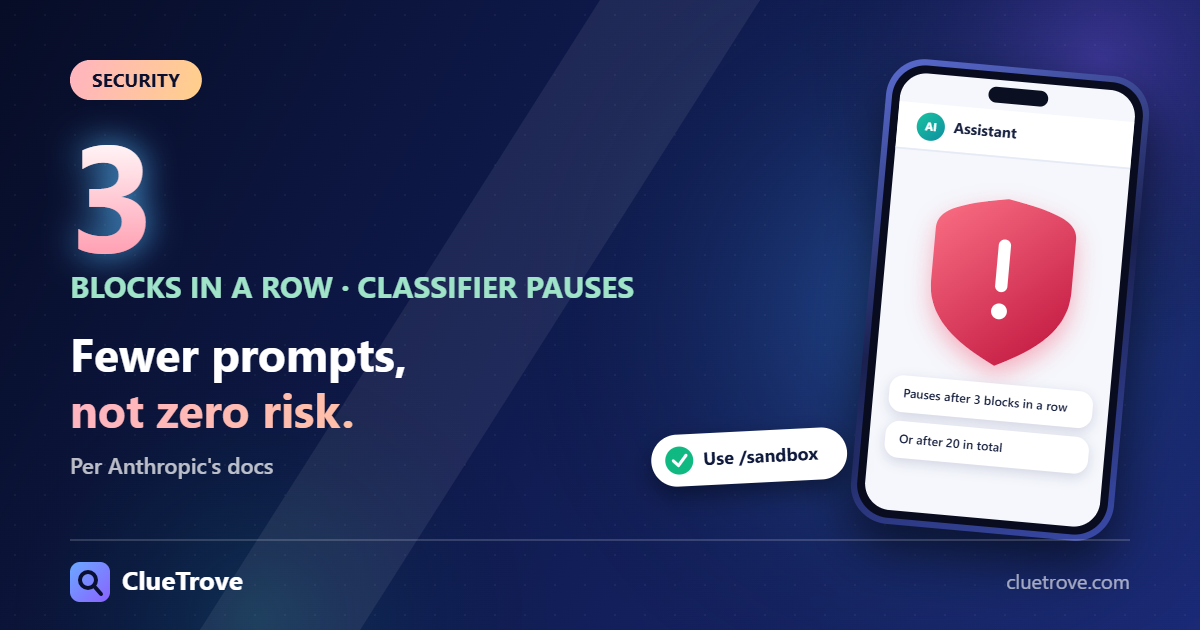
- Auto mode: a separate classifier reviews actions with background safety checks. Per the best-practices page it is the starting mode for interactive terminal and VS Code sessions from v2.1.283. The permission-modes page says it blocks things like curl piped to bash, production deploys, force pushes and sending sensitive data to external endpoints. It pauses and resumes prompting if the classifier blocks 3 actions in a row or 20 in total. Anthropic notes it “reduces permission prompts but does not guarantee safety.”
- acceptEdits: approves file edits in your working directory and simple filesystem commands only. Use it when you would rather review changes afterward with git diff.
- Allowlists: use /permissions or /fewer-permission-prompts to allow specific safe commands.
- Sandboxing: enable /sandbox on macOS, Linux or WSL2.
- A throwaway container: if you truly need full bypass, use one with no secrets and no production access.
See also Claude Code best practices.
Who can skip this advice?
Nobody running on a laptop with real files, SSH keys or cloud credentials. The flag fits a disposable container or VM with no internet and nothing worth stealing.
Questions and answers
Is –dangerously-skip-permissions safe?
Not outside isolation. Anthropic says to use it only in isolated environments such as containers and VMs.
Does it ignore my deny rules?
No. Deny rules still block in this mode, and a hook deny holds too. Allow rules are the ones that stop mattering.
Can I use it as root?
On Linux and macOS it refuses to run as root or under sudo, except inside a recognized sandbox.
What should I use instead to approve less?
Start with auto mode or acceptEdits. Add narrow allow rules for commands you trust, and turn on /sandbox.
Can my admin turn it off?
Yes. Admins can disable it with permissions.disableBypassPermissionsMode set to “disable” in managed settings.
Sources
Facts last checked on 19 October 2026. Flags and defaults change between versions.