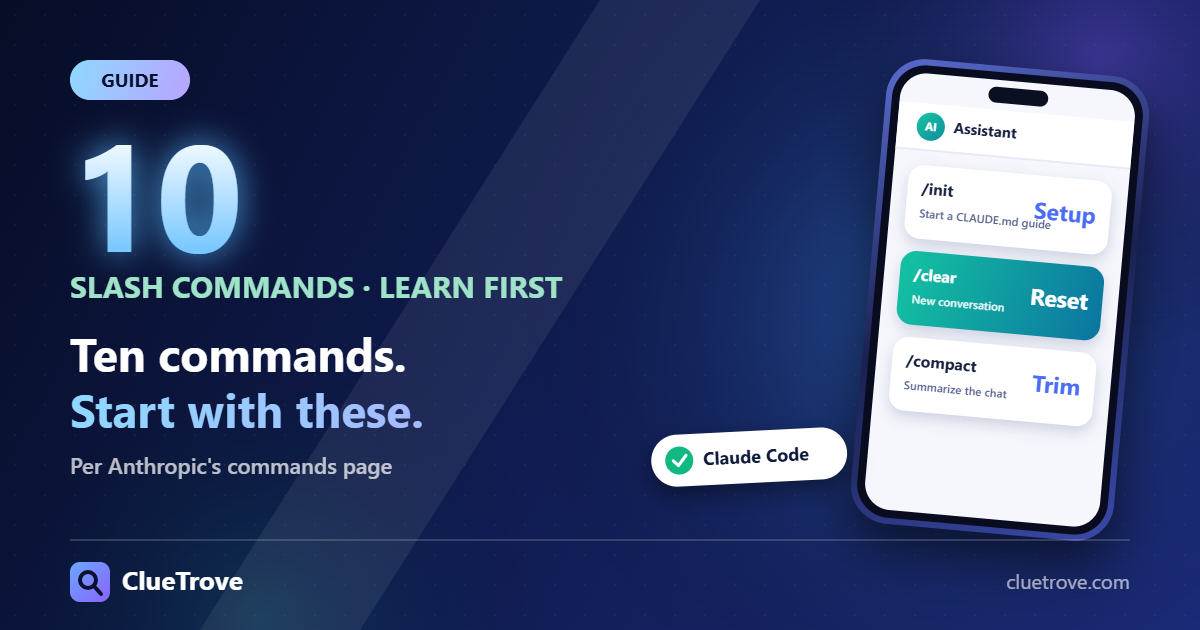
Learn eight slash commands first: /init, /clear, /compact, /model, /usage, /permissions, /rewind and /doctor. They cover setup, context, cost, safety and undo, and they are enough for most daily work.
The docs state the one rule plainly: “A command is only recognized at the start of your message.” Anthropic lists dozens of commands, grouped here by job from its commands page, checked on 19 October 2026. Lists change between versions, so run /help in your install.
The short answer: the 10 to learn first
| Command | What the docs say it does |
|---|---|
| /init | “Initialize project with a CLAUDE.md guide” |
| /clear | Start a new conversation (aliases /reset, /new) |
| /compact [instructions] | Summarize the conversation, optionally with focus instructions |
| /model [model] | “Switch the AI model and save it as your default for new sessions” |
| /usage | “Show session cost, plan usage limits, and activity stats” (aliases /cost, /stats) |
| /permissions | Manage allow and deny rules (alias /allowed-tools) |
| /rewind | Go back to an earlier point (aliases /checkpoint, /undo) |
| /resume [session] | Resume a previous session (alias /continue) |
| /context | Inspect what is using your context |
| /doctor | Diagnose the installation |
Which command fixes which problem?
- Claude forgets your project rules: run /init once. It creates the CLAUDE.md guide Claude reads each session.
- The conversation is long and answers drift: run /compact to summarize and free context. Add focus instructions to keep what matters. Use /clear instead when the next task is unrelated.
- You are not sure why context is full: run /context. The docs say it shows a colored grid of usage and suggestions for context-heavy tools.
- Claude changed something you did not want: run /rewind to return the conversation or the code to an earlier point.
- You hit a limit or want to see cost: run /usage. On Pro, Max, Team and Enterprise it also shows what counts against your plan limits.
- Too many approval prompts: open /permissions and add allow rules for safe commands.
- Something is broken after install: run /doctor. It checks installation, settings and CLAUDE.md problems and proposes fixes you confirm.
/clear and /compact both free context, but they differ. /clear starts empty. /compact keeps a summary and continues the same conversation.
What other commands exist, by job?
Context and session
/clear, /compact, /context, /resume, /rewind, /branch, /fork, /rename, /export, /recap, /btw (side question), /goal, /tasks, /exit (alias /quit).
Models and usage
/model, /effort, /fast [on|off], /usage, /usage-credits, /rate-limit-options, /upgrade, /advisor.
Setup and configuration
/init, /config (alias /settings), /memory, /permissions, /hooks, /agents, /plugin, /reload-plugins, /mcp, /skills, /status, /doctor, /theme, /statusline, /sandbox, /keybindings, /ide, /terminal-setup, /login, /logout, /help, /diff, /plan.
Remote and cloud
/remote-control (alias /rc), /teleport (/tp), /desktop, /web-setup, /remote-env, /schedule, /autofix-pr, /mobile.
Review and quality
/code-review (alias /review), /ultrareview, /security-review, /simplify, /verify, /run.
Bundled skills
/batch, /loop, /debug, /claude-api, /fewer-permission-prompts, /update-config, /deep-research.
Which commands were removed?
The docs list /vim as removed in v2.1.92. Use /config and its Editor mode instead. /ultraplan and /pr-comments are removed too. Do not rely on old tutorials that mention them.
How do I make my own command?
Create a skill: a folder at .claude/skills/<name>/SKILL.md runs as /name. MCP prompts also appear as commands. You can chain up to six skills in one message by typing them one after another, then your request. Follow the current skills documentation for the format; see our Claude Skills guide.
Where do I go next?
For when to use /clear, /compact and /rewind in a real workflow, see Claude Code best practices.
Questions and answers
How do I see my Claude Code usage?
Use /usage. The docs say it shows session cost, plan usage limits and activity stats. /cost and /stats are aliases.
How do I start over without closing Claude Code?
Use /clear. It starts a new conversation with empty context. /reset and /new work too, and /resume brings the old conversation back.
Where do slash commands work?
Only at the start of a message, per the docs. Text after the command name becomes its arguments.
How do I undo what Claude just did?
Use /rewind. It rewinds the conversation, the code or both to an earlier point. /checkpoint and /undo are aliases.
What is the difference between /compact and /clear?
/compact summarizes the conversation so you keep going with less context used. /clear wipes the context and starts a new conversation.
Sources
Facts last checked on 19 October 2026. Command lists change between versions.