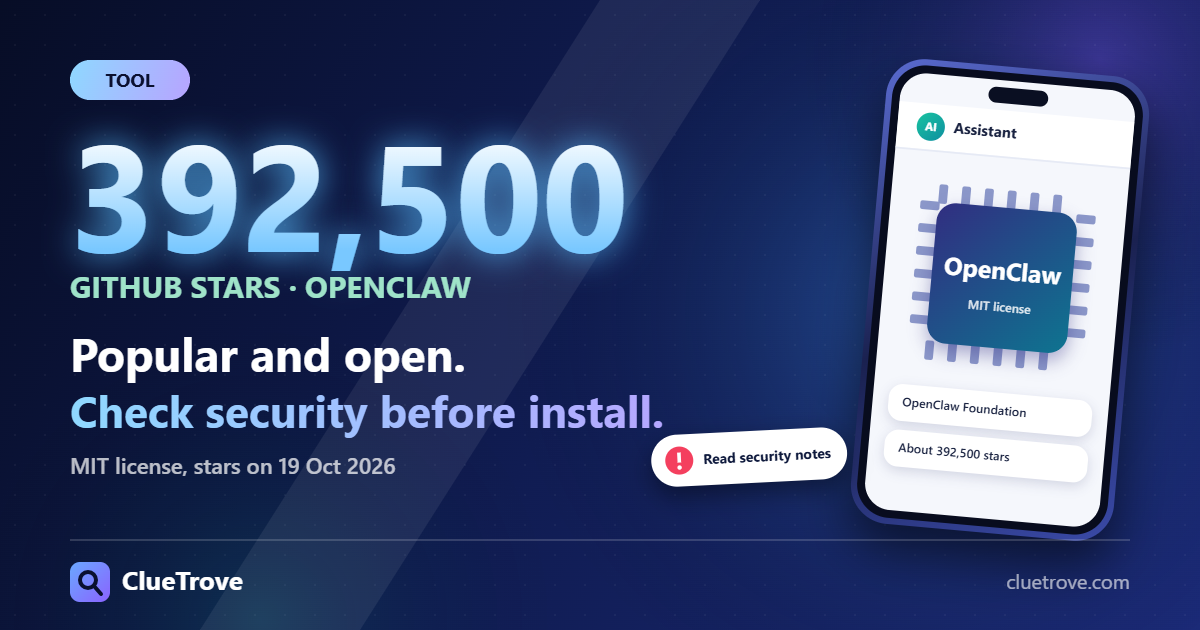
OpenClaw is a free, open-source AI assistant you run on your own computer and talk to through chat apps like Discord, Slack, Telegram and WhatsApp. It also runs tools on your machine, so treat every inbound message as untrusted and turn on sandboxing before you connect it to anything important.
The project says it is “stewarded by the OpenClaw Foundation, an independent 501(c)(3),” and it uses the MIT license. The repository showed about 392,500 stars on 19 October 2026.
The short answer
- What it is: an open-source personal AI assistant you host yourself.
- How to install: an installer script, npm, or Docker. The commands are below.
- Biggest risk: sandboxing is off by default, so tools run directly on your host.
- First fix: run the built-in security audit right after setup.
- Old names: secondary sources say it was earlier called Clawdbot and Moltbot. The README does not mention this.
What does OpenClaw actually do?
The README calls it “an open-source AI assistant that runs on your own computer.” You message it in a chat app, and it can use the tools and skills you enable. The project credits Peter Steinberger and the community.
A related project, Hermes Agent from Nous Research, has a documented migration command, hermes claw migrate. It imports settings, memories, skills and API keys from an OpenClaw install. The two were not compared for quality.
How do you install it?
The docs list three routes. Pick the one that matches your system.
- macOS, Linux, WSL2: curl -fsSL https://openclaw.ai/install.sh | bash
- Windows PowerShell: iwr -useb https://openclaw.ai/install.ps1 | iex
- npm: npm install -g openclaw@latest –allow-scripts=openclaw. The docs list Node 24.16+ or 26.1+.
Then run: openclaw onboard –install-daemon
The first two commands download a script and run it at once. Read the script before you run it, or use the Docker route instead.
Should you use Docker?
For most people, yes. A container keeps the assistant away from your main files. The docs describe a setup script, ./scripts/docker/setup.sh, which builds openclaw:local. They also describe a prebuilt image at ghcr.io/openclaw/openclaw:latest, set through OPENCLAW_IMAGE, with a Docker Hub mirror at openclaw/openclaw.
The docs warn you to “avoid unofficial mirrors.” The health endpoint is on 127.0.0.1:18789.
One catch: container images default to an exposed bind, while a regular host install binds to loopback. If you use Docker, set up authentication before anything else.
Which security settings should you review first?
| Documented point | What it means for you |
|---|---|
| “Treat inbound messages as untrusted input.” | Anyone who can message the bot can try to steer it (prompt injection). Limit who can reach it. |
| Tools run on the host unless sandboxing is configured; sandboxing is off by default | Turn on sandboxing or run it in a container or on a separate machine. |
| “One trust boundary per gateway”; not a hostile multi-tenant boundary | Do not share one gateway among people who should not trust each other. Use separate gateways with separate credentials. |
| Container images default to an exposed bind | Configure authentication. Do not expose the port to the internet unprotected. |
| Agents can message across channels by default | Review channel permissions and restrict cross-provider messaging if you need to. |
| openclaw security audit | Run it after setup and regularly, to catch configuration drift. |
The docs also say that unknown direct-message senders get a pairing code by default, and that group access is allowlisted behind a mention gate. Keep those defaults. Avoid any config key whose name starts with dangerous or dangerously.
What should you do next?
- Choose Docker, or read the install script before you run it.
- Turn on sandboxing and keep the gateway on loopback unless you have authentication in place.
- Run openclaw security audit. The command openclaw security also reads the findings and applies supported auto-fixes.
- Connect one chat channel first and allow only people you trust.
- If you suspect a compromise, contain it, rotate credentials, audit activity and collect evidence, as the docs advise.
The same principles apply to any agent that can act on your behalf. See what MCP is and how to build an AI agent.
Who should skip it: anyone who cannot spend time on configuration. A tool that reads inbound messages and runs commands needs care.
Questions and answers
Is OpenClaw free?
The software is free under the MIT license. Model API usage and hosting can cost money.
Is OpenClaw safe?
It is as safe as your setup. Sandboxing is off by default, so turn it on, restrict who can message it, and run the security audit.
Does OpenClaw work on Windows?
Yes. The docs list a Windows PowerShell installer and WSL2.
Can I run it without installing on my main computer?
Yes. Use the Docker route with the prebuilt image, or a separate machine.
Can several people share one gateway?
Only if they trust each other. The docs call it one trust boundary per gateway, not a hostile multi-tenant boundary.
Related reading
- OpenAI Codex: How to Install It and What the Limits Are
- Install the Claude Agent SDK for Python and TypeScript
- Is Claude for Excel Free? Plans, Install and Limits
Sources
Facts last checked on 19 October 2026. Projects change quickly.